
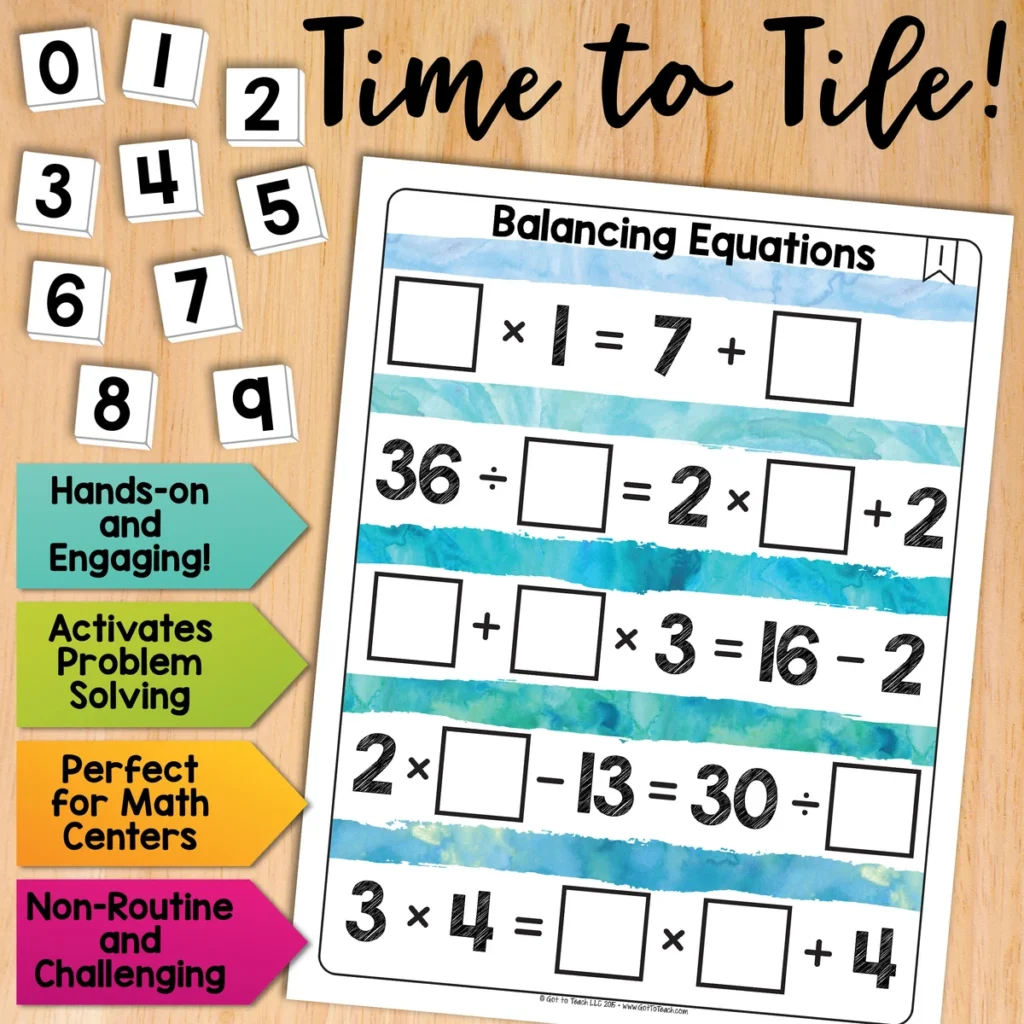
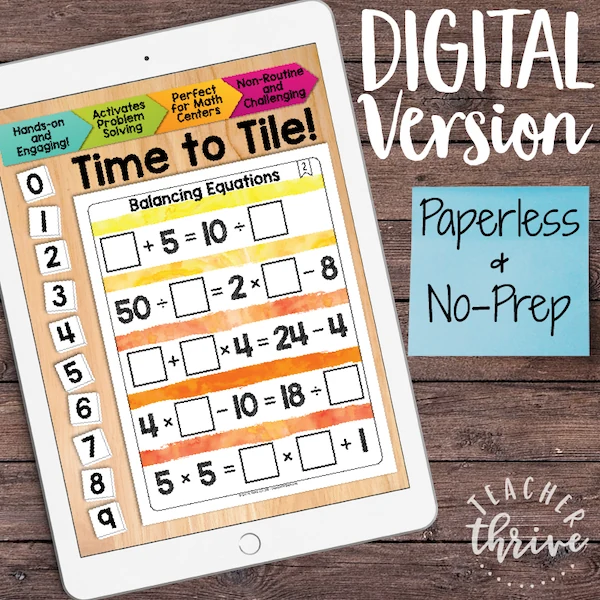
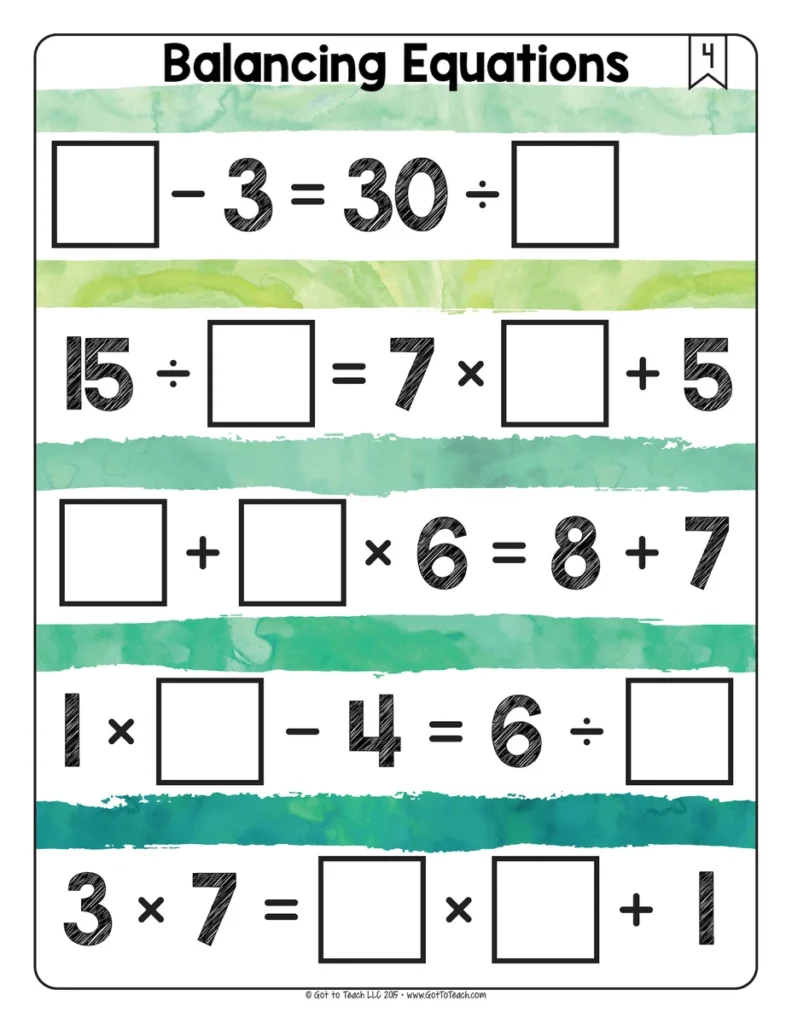
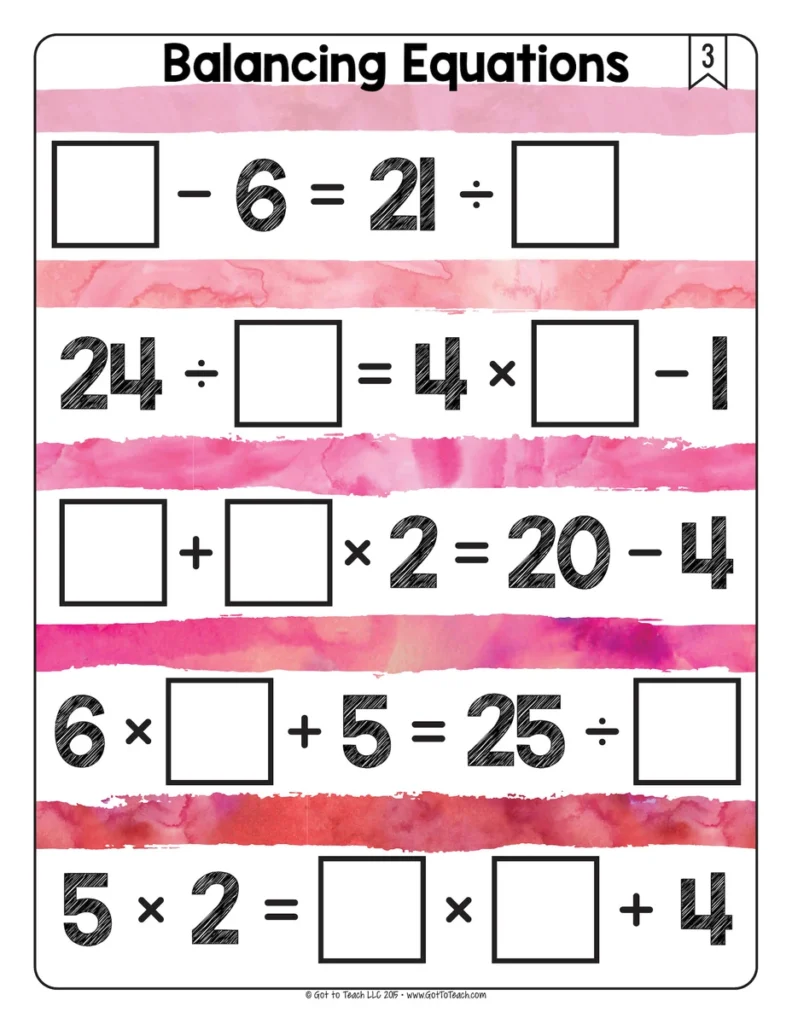
Balancing Equations Math Centers Math Tiles
5.0 (215 reviews)Give students practice making both sides of an equation equal. They place digits 0–9 in the blanks and evaluate both sides to decide where each tile belongs.
- Subject
- Math
- Pages
- 71
- Answer key
- Included
- Teaching duration
- 1 Month
- Digital download
Description
Give students practice making both sides of an equation equal. They place digits 0–9 in the blanks and evaluate both sides to decide where each tile belongs.
Why use Math Tiles?
- Make problem solving hands-on by letting students move number tiles and test their ideas.
- Build flexible thinking as students follow different clues and try more than one strategy.
- Practice perseverance and build confidence by revising a choice when the first idea doesn’t fit.
- Give students meaningful independent practice or have partners explain and compare their thinking.
- Save paper by reusing printed cards and having students record their answers on a separate sheet.
What’s included
- 30 printable balancing equations puzzle cards
- Google Slides version with movable number tiles
- Student recording sheet
- Answer keys
- Teacher setup tips
- Printable 0–9 number tiles
How to use it
Use the cards in a math center and ask partners to explain how they know both sides have the same value. For print, cut out the included number tiles or use a set you already have. In Google Slides, students move the tiles in edit mode.
More Time to Tile puzzles
Keep the same puzzle routine with Balancing Addition Math Tiles or Distributive Property Math Tiles.
🧮 Browse all Math Tiles Centers
Please read: This is a nonrefundable digital download. Please read the description carefully and examine the preview file before purchasing.
© Copyright 2018 M. Tallman. All rights reserved. Permission is granted to copy pages specifically designed for student or teacher use by the original purchaser or licensee. This is intended to be used by one teacher unless additional licenses have been purchased. The reproduction of any other part of this product is strictly prohibited. Copying any part of this product and placing it on the Internet in any form (even a personal/classroom website) is strictly forbidden. Doing so makes it possible for an Internet search to make the document available on the Internet, free of charge, and is a violation of the Digital Millennium Copyright Act (DMCA).
Reviews
Showing 201–205 of 83,542 reviews
Great Resource
I love this resource. I use it in my 4th and 5th grade gifted resource classes.
Problem solving
I love this resource. I use it in my 4th and 5th grade gifted resource classes.
Fabulously crafted roots units
I scoured for a resource that would organize the roots and include plenty of ways to practice using them in meaningful and memorable ways. I love the way these units are laid out! I appreciate that it uses a small number of roots, but helps students by including multiple words using the roots so that they can truly see how the roots can help them determine the meaning of words.
Helpful tool
This was a helpful tool in filling in gaps in foundational knowledge with my struggling learners
Learning while Being Creative
This is a fun way for students to be able to learn affixes, but to be creative at the same time!!!
Questions & Answers (9)
Have a question about this resource? Log in to ask a question.
I bought this one and order of operations. I cannot get this to print to our school printer. Our tech guy says the file is very large. He compressed it and it still won't print. I have tried printing a few pages at a time, restarting, etc. What else can I do? I wouldn't spend this much time if I hadn't just spent $8.99 on this resource.
You can find instructions and help for printing resources in the TPT Help Center.
I redownloaded and still I don't see a way to connect to the google slides. I even tried logging into to kami to see if that gave me something different. I get a 71 page pdf file.
On my Order of Operations2 file, there is a page called Accessing Your Digital purchase with links to the google slides. This file does not have the same page.
Sorry about that, Christianne. I updated the file with the Google Slides link. Thanks for letting me know.
I purchased this in 2016 and have used the print form, but would like to use the on-line, google version. I don't see a link to access it online. Am I missing something?
Hello! If you redownload the file from TpT, you will see a digital version.
I see that puzzle 16 is missing. It's on the answer key, but no puzzle.
Hi April! I am so sorry about that. I just uploaded an updated version .
Do you have anything with only addition and subtraction, something geared more towards second grade?
Hello! Yes, we will definitely be adding primary topics this summer!
I am having difficulty getting this file to print. I also purchased a couple of others, and couldn't get them to print either. Would it be possible to upload it again, or is there something else you could do on your end that may help?
Hi Loretta!
Try the steps below.
Open the PDF file with Adobe Acrobat Reader
Click "Print"
Click on "Advanced"
Check the "Print as Image" box
Print the document
If you continue to have problems, please contact TpT so they can troubleshoot this with you directly. https://www.teacherspayteachers.com/Contact
Hello!
I recently contacted you about having trouble printing the Time to Tile Balancing Equations. I would really like to use these in my classroom, but have tried to print the PDF from several computers and it is not printing. Can you please email it to me in a word/excel doc so I am able to print?
Thank you!
Hi Lena, Did you ever contact TpT? They handle all printing issues since they are able to communicate and troubleshoot with buyers directly. This resource was created in Adobe Illustrator, so sending you the original file will not help your situation. Please contact TpT using the link below; they will get this resolved. https://www.teacherspayteachers.com/Contact
Hi!
I have tried several times from different computers to print this document and every time my computer freezes and the document will not print. Can you please email me a copy of this activity that I will be able to print or issue a refund. I am supposed to be using this during my centers in 2 weeks.
Thank you!
Hi Lena. I am sorry you are having issues printing. Not to worry. Please contact TpT so they can troubleshoot this with you directly. https://www.teacherspayteachers.com/Contact
Hi, I emailed earlier this week regarding this product and the Adding and Subtracting math tiles I purchased. I don't see my inquiry listed anymore and I haven't heard from you. I haven't been able to use the "balancing equation" tiles after purchasing them and laminating them all due to multiple errors on many cards (I gave several examples in my prior correspondence but - for one - see the example on the page for this product. One equation says "blank + blank x 3 = 29 - 6. Either I'm understanding this completely wrong or this product has MANY mistakes like this. Nothing times three is going to equal 23. 23 is a prime number. My students ran into errors like this on many tiles. I would like a refund of my purchase or a corrected set. Please respond by November 21st with either a response, an explanation (if I'm understanding wrong! :) ) or a refund. Otherwise I plan to dispute the payments as I can't use the product as is and I've got not only my purchase price into this but also my laminating fees. Many thanks for your soonest response.
Hello! I added an update to my original response when you first contacted me. Perhaps you didn't see it. I will copy and paste it below. Rest assure your resource is error free and you are not out of the cost of laminating etc.
UPDATE: So I just looked at the "mistakes" you are referring to. For number 7 you need to multiply the 4 and 2 first (order of operations), before adding 9. So the answer IS 17 on the left side of the equation.
The other "mistakes" that you are referring to are also a result of not following the order of operations. Please email if you have any further questions. GotToTeach@icloud.com
Thank you
Melissa
