
5th Grade Grammar Unit: Perfect Verb Tenses
4.9 (354 reviews)This resource includes everything you need to teach your students how to form and use the perfect verb tenses (e.g., I had walked, I have walked, I will have walked.) Now Included: Google Forms for the Practice Printable, Task Cards, and Assessment! What’s Included: PowerPoint Lesson (Monday)…
- Grade
- Grade 5
- Subject
- Grammar
- Pages
- 40
- Answer key
- Included
- Teaching duration
- 1 Week
- Digital download
- PDF, PowerPoint, and Excel (ZIP)
Description
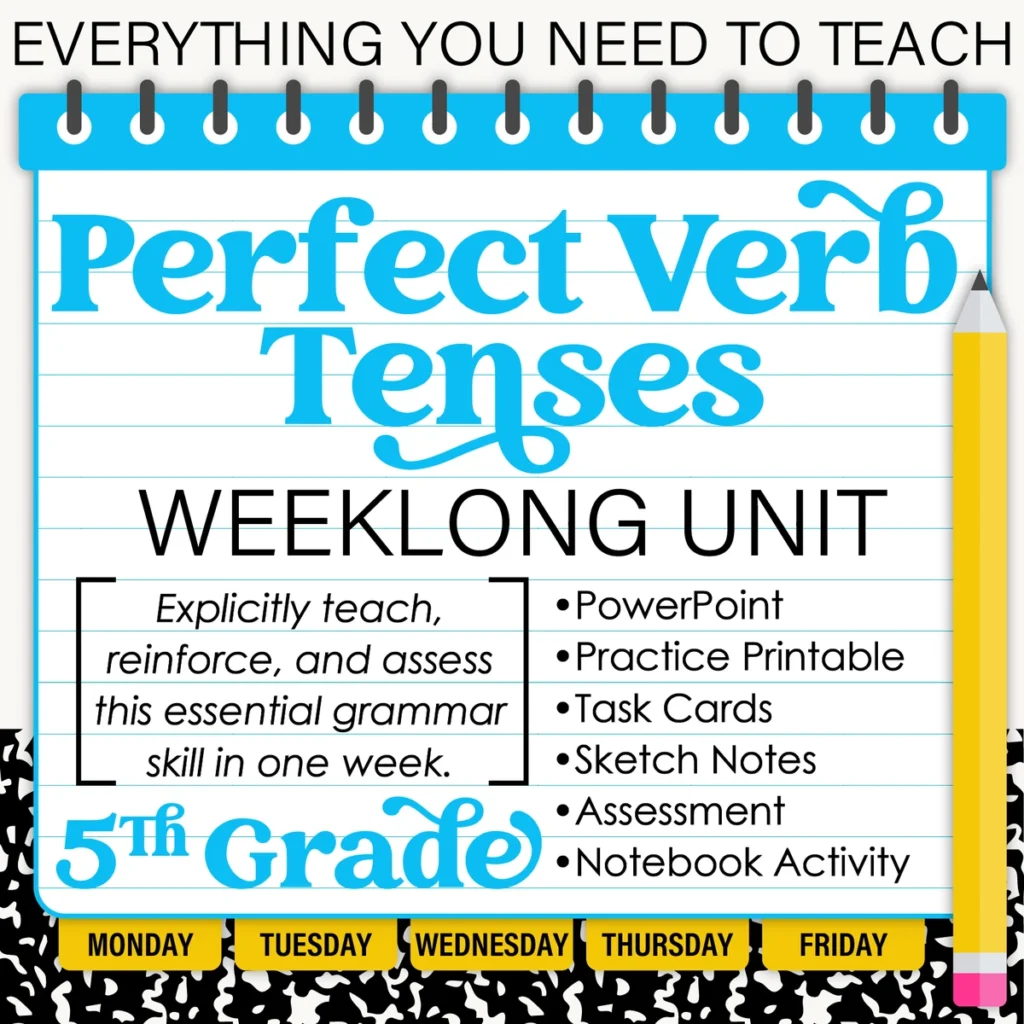
This resource includes everything you need to teach your students how to form and use the perfect verb tenses (e.g., I had walked, I have walked, I will have walked.)
Now Included: Google Forms for the Practice Printable, Task Cards, and Assessment!
What’s Included:
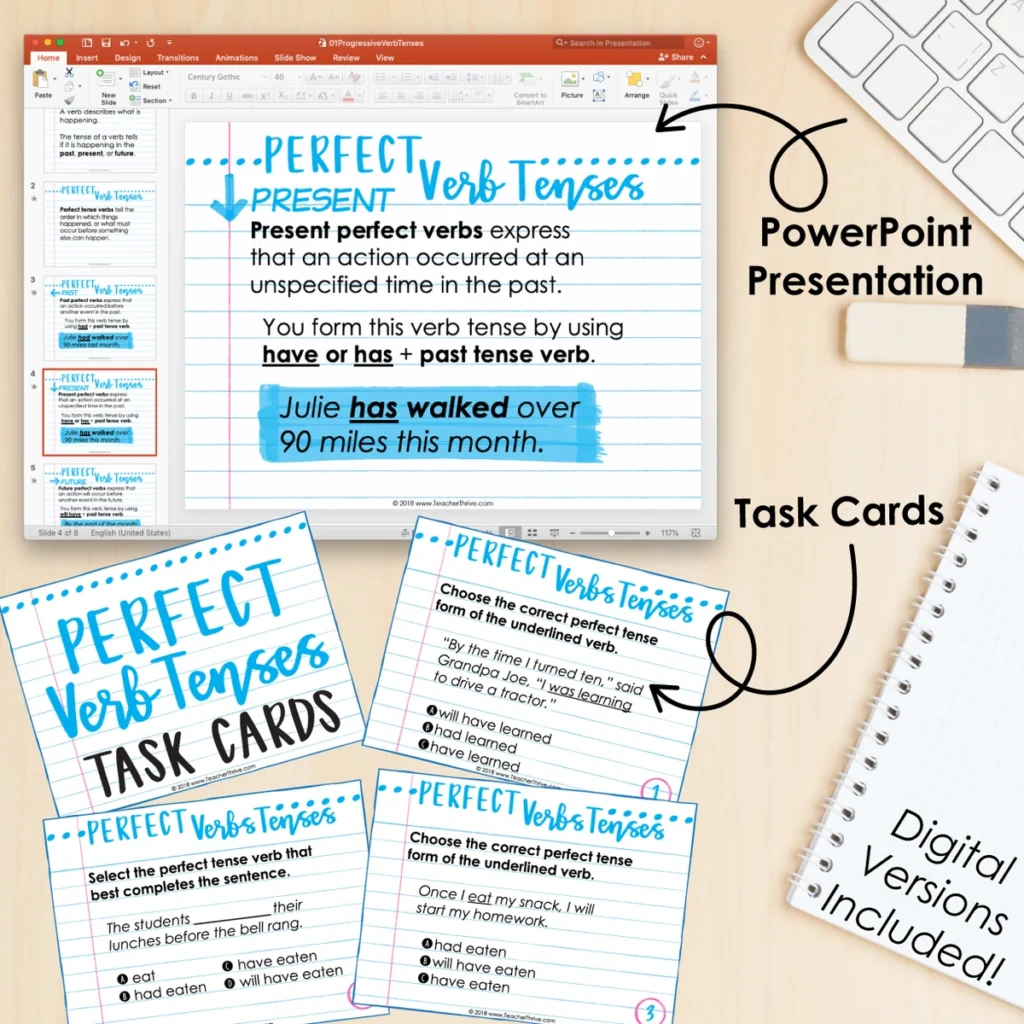
- PowerPoint Lesson (Monday)
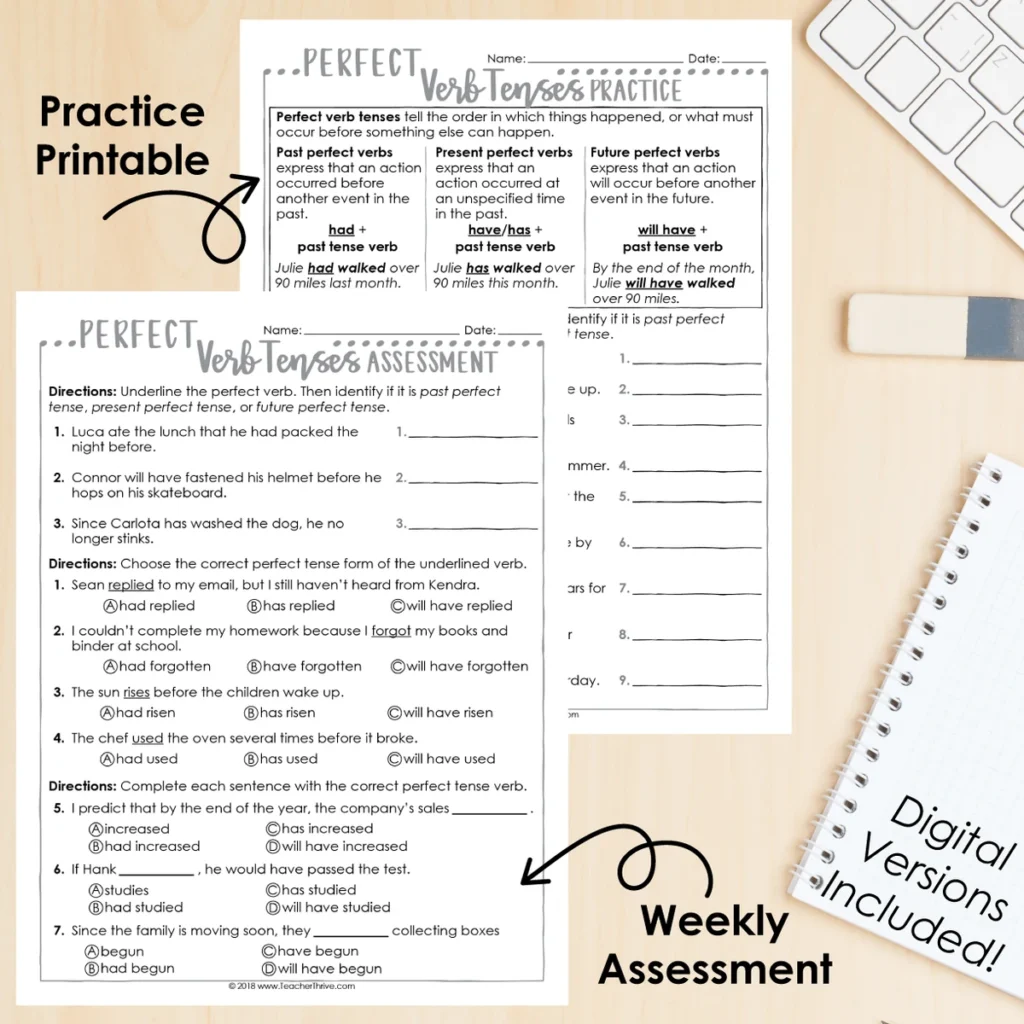
- Practice Printable – Digital Version Included (Tuesday)
- 30 Task Cards – Digital Version Included (Wednesday)
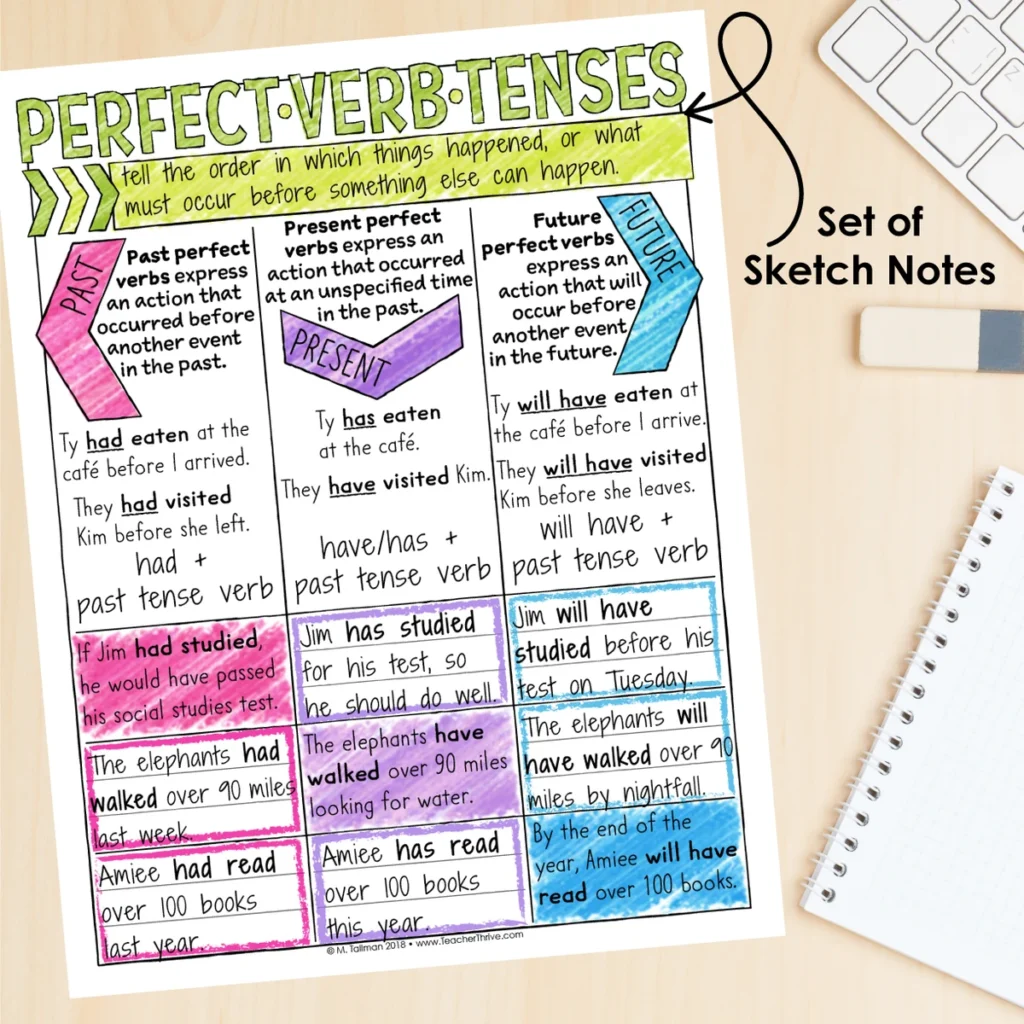
- Sketch Notes (Thursday)
- Assessment – Digital Version Included (Friday)
- BONUS: Interactive Notebook Activity
Download the preview for a detailed overview of the resource.
CLICK HERE for the entire Fifth-Grade Grammar Bundle!
Fifth Grade Grammar Units:
- Parts of Speech Review
- Subject and Predicate
- Coordinating Conjunctions
- Compound Sentences
- Subordinating Conjunctions
- Complex Sentences
- Simple, Compound, or Complex Sentences
- Prepositions
- Prepositional Phrases
- Interjections
- Perfect Verb Tenses
- Using Verb Tenses
- Shifts in Verb Tense
- Correlative Conjunctions
- Commas in a Series
- Commas and Introductory Elements
- Commas for Yes/No, Tag Questions & Direct Address
- Titles of Works: Quotations, Underlines & Italics
- Expand Sentences
Coming Soon:
- Combine Sentences
- Reduce Sentences
- Compare Dialects
- Compare Registers
- Context Clues
- Roots and Affixes
- Use Reference Materials
- Similes and Metaphors
- Idioms, Adages, and Proverbs
- Word Analogies
- Signal Words
Get all the latest Teacher Thrive news!
➜FOLLOW me on Teachers Pay Teachers!
➜FOLLOW me on TeacherThrive.com!
Please read: This is a nonrefundable digital download. Please read the description carefully and examine the preview file before purchasing.
© Copyright 2018 M. Tallman. All rights reserved. Permission is granted to copy pages specifically designed for student or teacher use by the original purchaser or licensee. This is intended to be used by one teacher unless additional licenses have been purchased. The reproduction of any other part of this product is strictly prohibited. Copying any part of this product and placing it on the Internet in any form (even a personal/classroom website) is strictly forbidden. Doing so makes it possible for an Internet search to make the document available on the Internet, free of charge, and is a violation of the Digital Millennium Copyright Act (DMCA).
Reviews
Showing 271–275 of 375 reviews
Wished it was more than just interjections
I use this 3rd grade bundle for our morning work. I teach 4th grade this year and wanted morning work that my students could do as a spiral review that did not require me to teach the content each day. Each week students get one math sheet, one ELA sheet, and then a social studies sheet from a separate bundle. My students have no issue with the math but struggle with the ELA. I've found that much of the content is not taught in our curriculum. My students struggle with activities like comparative/superlative, simple/complex sentences, and a few others since they were not taught it. I'm going to continue to use the math bundle, but have discontinued using the ELA bundle. I would love to see it better aligned to what was taught in third grade, such as cause and effect, main ideas, the author's purpose, etc.
<p>This resource is not designed around a particular scope and sequence since many teachers follow different timelines.</p><p>Since Daily Spiral Reviews cover all standards, students are exposed to concepts they may not have had formal instruction on. Unfamiliar content presents a great opportunity for you to build background knowledge and assess where your students are before you even teach a specific lesson.</p><p>The best way to use this spiral reveiw is to begin with whole-group lessons where you model and discuss each activity. I don't worry too much if there haven't been formal lessons on a particular concept; I treat those items more as a preview. After a few weeks, the students really start grasping the format, and you can begin to transfer the workload to them. Eventually, when the students work independently on the review, you will spend time correcting and discussing their work in class. </p><p>As mentioned above, students will encounter concepts they are unfamiliar with. This is a GOOD thing, I promise! We don't always have the answers or know the procedures to solve problems. It's beneficial to expose students to "unknowns"; they become less sensitive to the uncomfortable feeling of "not knowing" and are less likely to panic. </p><p>However, you can always use the editable version (open in PowerPoint) to remove/change any review items you like.</p>
Good Resource
I have to add a section onto each slide for the student name. If I forget, I can't tell which students did which work. I think I prefer the print version, but was glad to have this for those times we were virtual.
Thank you!
Questions & Answers (4)
Have a question about this resource? Log in to ask a question.
Hi. I noticed that you kept saying "past tense" verb for the perfect tense. It should be the "past participle" verb. Those are two different things. It is too soon for me to write a review, so I posted it here.
Hi Ginny! Thanks for reaching out. From my understanding, the past perfect is a verb tense that uses the verb form of past participle.
Hi. Is it possible to just purchase the worksheets?
Thank you for your interest and for reaching out. No, we do not sell these components separately. They are only available as part of the comprehensive program.
My question is the same as Alexis C. I can't access the files in google drive. I don't have excel or powerpoint. I work on a chrome only device. Can you help?
Hello! You can open the PowerPoint and the Excel files in Google Slides and Google Sheets by opening up a blank document in each and then importing the files from your device.
I thought when it said Google programs used that the download would have those and they do not. How do I access the powerpoints in Slides and the forms? They do not work in file download. None of the sheets are interactive either, so perhaps I misread.
Hello! In the zip folder, you will find an excel file that includes all of the Google Forms links and the PowerPoint file, which you can open in Google Slides.
