
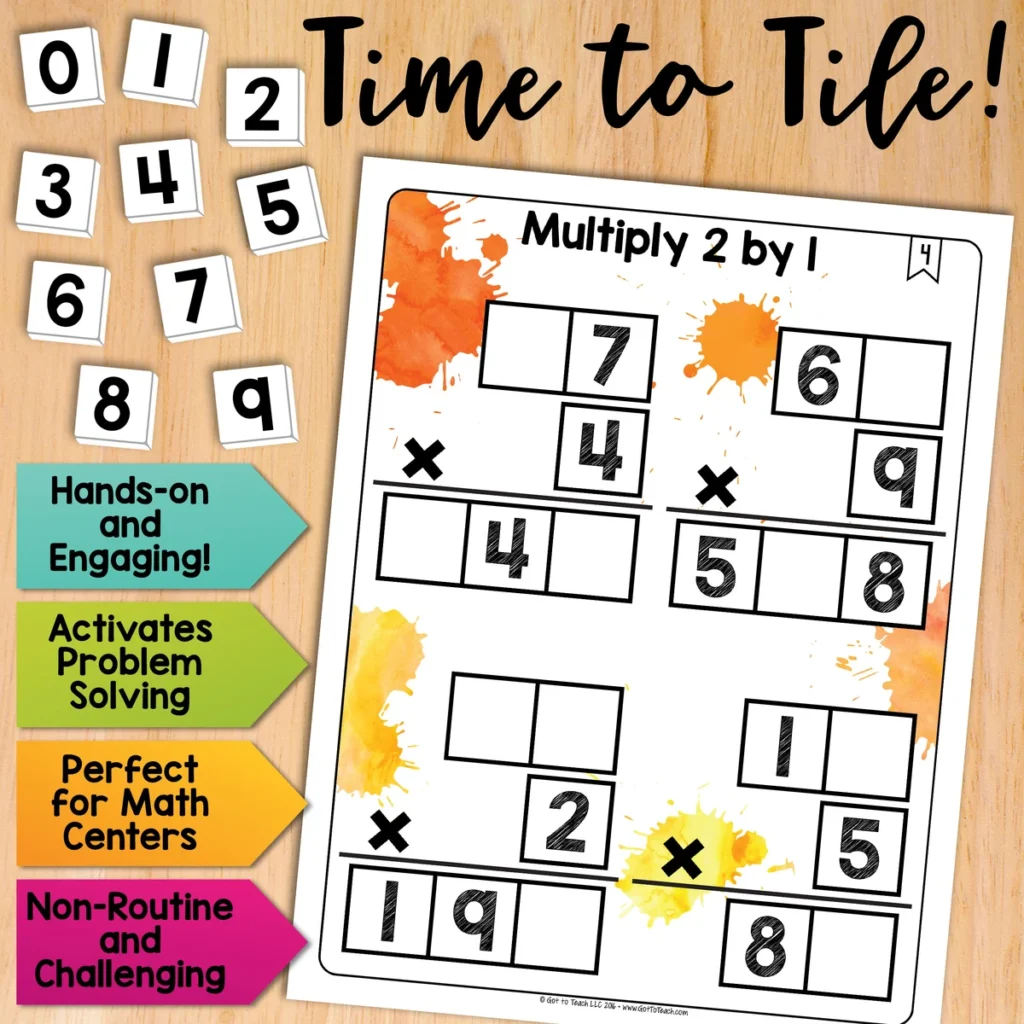
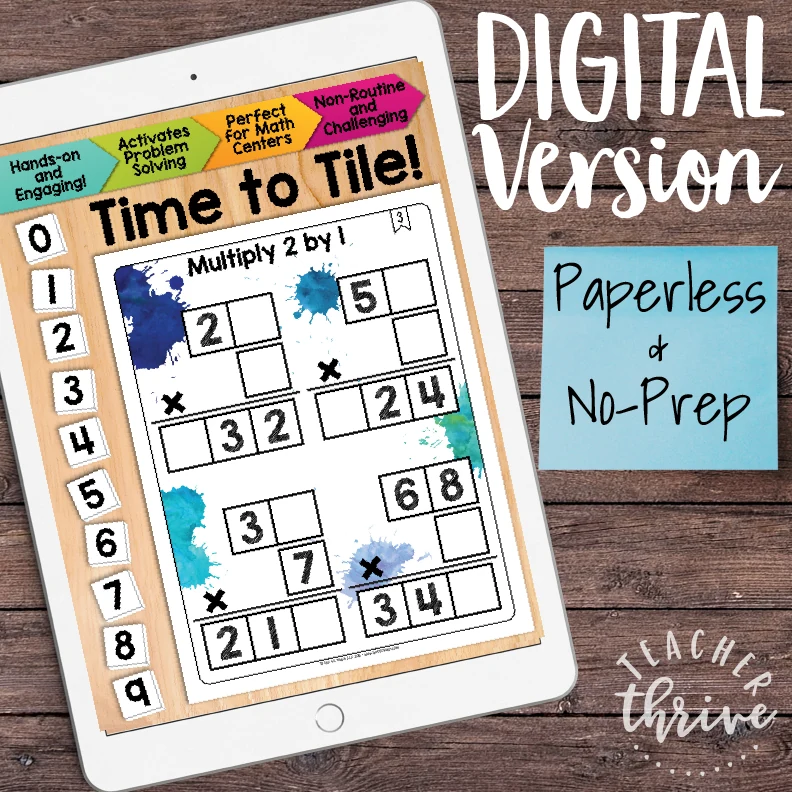
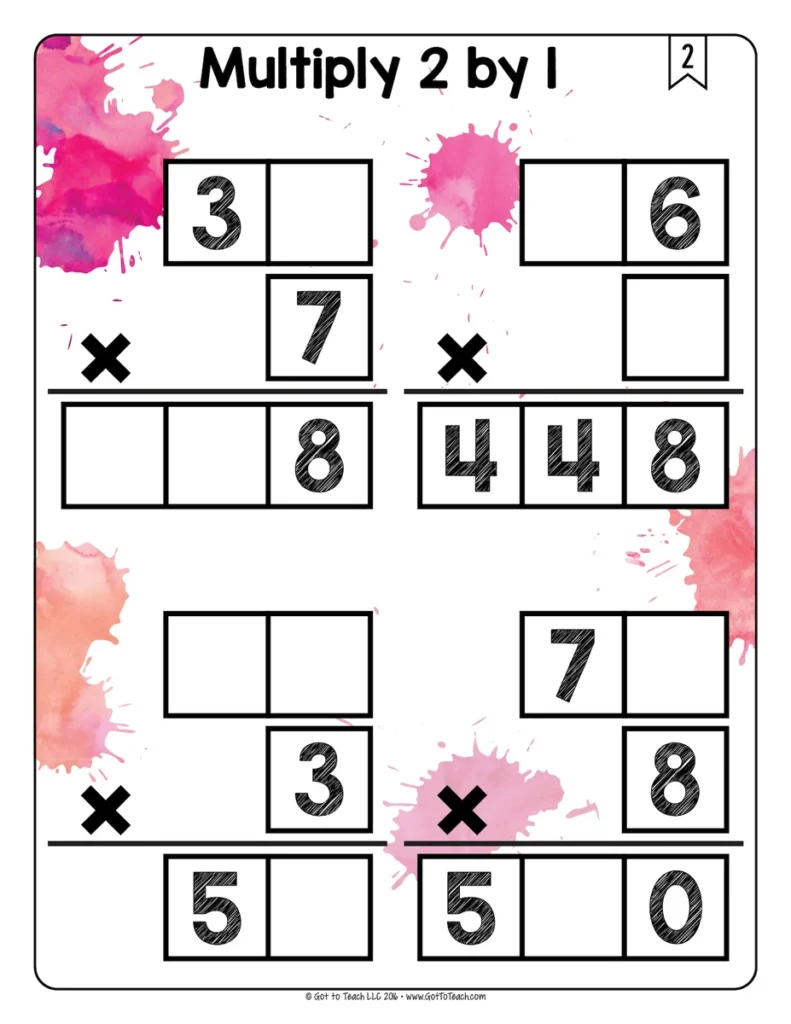
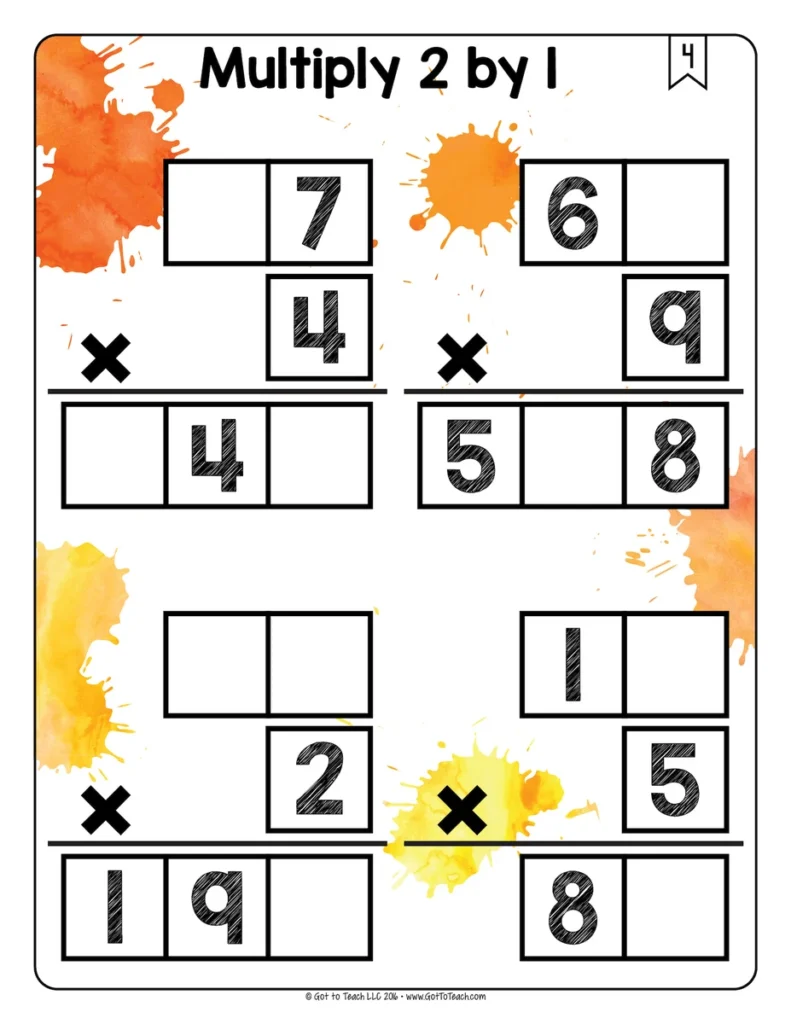
Multiply 2 by 1 Math Centers Math Tiles
5.0 (85 reviews)Practice multiplying a two-digit number by a one-digit number. Students place the digits 0–9 to complete four multiplication problems on each card.
- Subject
- Math
- Pages
- 71
- Answer key
- Included
- Teaching duration
- 1 Month
- Digital download
Description
Practice multiplying a two-digit number by a one-digit number. Students place the digits 0–9 to complete four multiplication problems on each card.
Why use Math Tiles?
- Make problem solving hands-on by letting students move number tiles and test their ideas.
- Build flexible thinking as students follow different clues and try more than one strategy.
- Practice perseverance and build confidence by revising a choice when the first idea doesn’t fit.
- Give students meaningful independent practice or have partners explain and compare their thinking.
- Save paper by reusing printed cards and having students record their answers on a separate sheet.
What’s included
- 30 printable puzzle cards
- Google Slides version with movable number tiles
- Student recording sheet
- Answer keys
- Teacher setup tips
- Printable 0–9 number tiles
How to use it
Use a card after modeling the skill, then ask students to use the given digits to explain a choice they made. For print, cut out the included number tiles or use a set you already have. In Google Slides, students move the tiles in edit mode.
More Time to Tile puzzles
Keep the same puzzle routine with Multiply 2 by 2 Math Tiles or Area Model Multiplication Math Tiles.
🧮 Browse all Math Tiles Centers
Please read: This is a nonrefundable digital download. Please read the description carefully and examine the preview file before purchasing.
© Copyright 2018 M. Tallman. All rights reserved. Permission is granted to copy pages specifically designed for student or teacher use by the original purchaser or licensee. This is intended to be used by one teacher unless additional licenses have been purchased. The reproduction of any other part of this product is strictly prohibited. Copying any part of this product and placing it on the Internet in any form (even a personal/classroom website) is strictly forbidden. Doing so makes it possible for an Internet search to make the document available on the Internet, free of charge, and is a violation of the Digital Millennium Copyright Act (DMCA).
Reviews
Showing 156–160 of 5,417 reviews
Great Resource
Love this bundle! I love the questions. My students really had the fun time going through the circles. It also helped my students asked deeper questions.
A helpful resource
I used this resource as bell work. Thank you for creating this resource.
A Helpful Resource
Wonderfully made resource. There are quite a bit of questions in the beginning that my 6th graders haven't learned yet, so it makes it hard to use for morning work.
Love this for extra time in class!
I use this for free time in my class. Students enjoy working on them and the hands on approach to division.
Fantastic resource
Aligned well with the grammar TEKS. Visually appealing sketch notes.
Questions & Answers (2)
Have a question about this resource? Log in to ask a question.
Hello!
I would love to buy several of your tile sets but wondered if you have a bundle available? I would love to purchase a bundle of them if it’s made available.
Thank you for your time,
Colleen
To ensure all buyers have access to the latest versions of my resources, I do not create custom bundles. Unfortunately, there is no function for buyers to create their own bundles on TpT.
However, I do offer a Build Your Own Bundle option on my site. You can check out all of the details here: https://teacherthrive.com/byob/
Good morning! I am unable to print my tiling sheets no matter what I try. I am at a loss as to why since it is just a PDF. I have tried to troubleshoot to see if it is my computer, but I have tried different printers too. Has this ever happened for any reason? Thank you so much for you help!
Some PDFs with a lot of graphics may look fine on your screen, but may not print out correctly.
Open the PDF file with Adobe Acrobat Reader
Click “Print”
Click on “Advanced”
Check the “Print as Image” box
Print the document
If you are still having issues, please contact TpT so they can troubleshoot this with you directly. https://www.teacherspayteachers.com/Contact
