
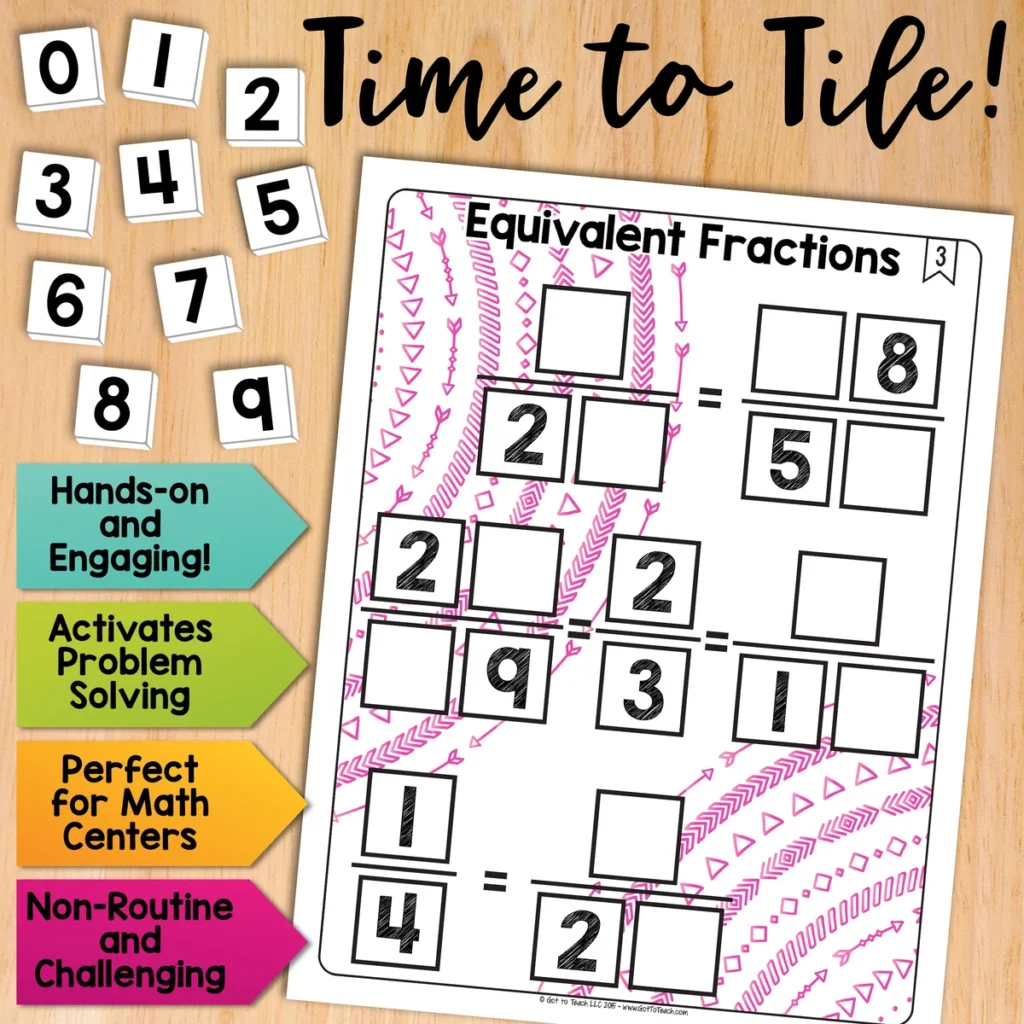
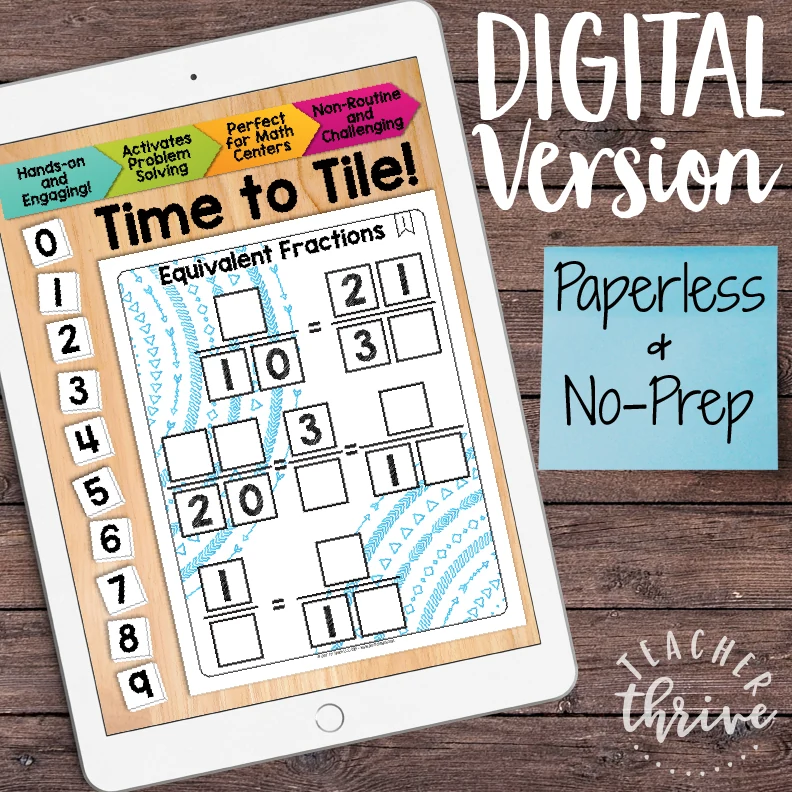
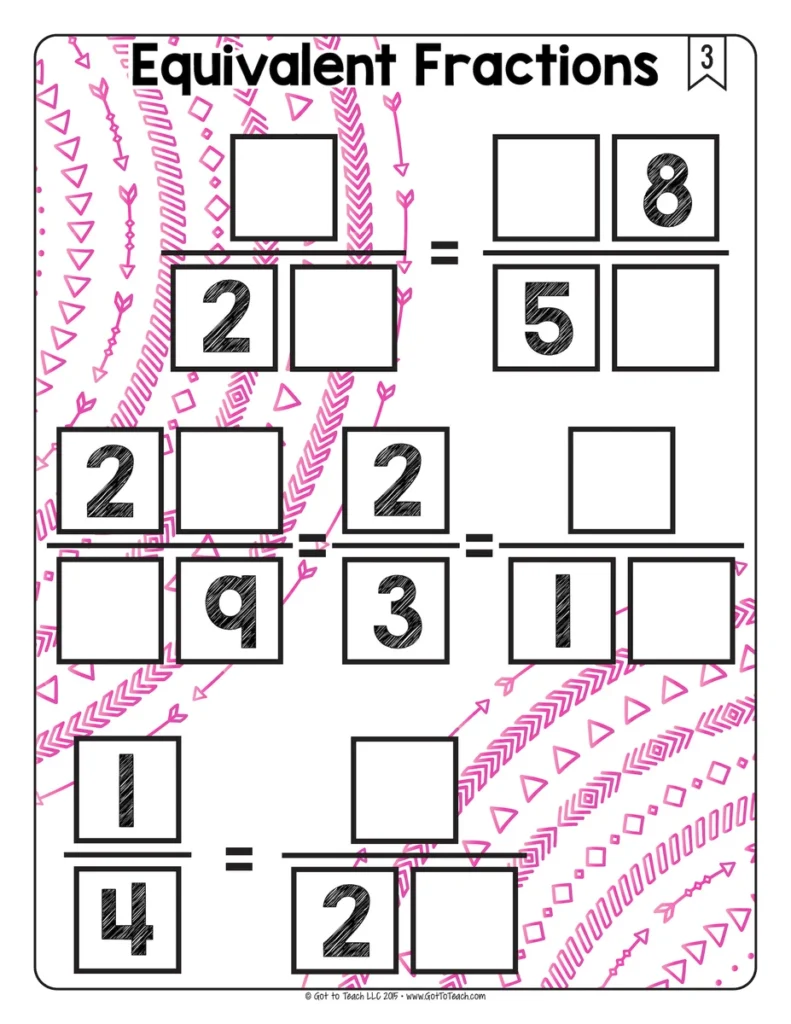
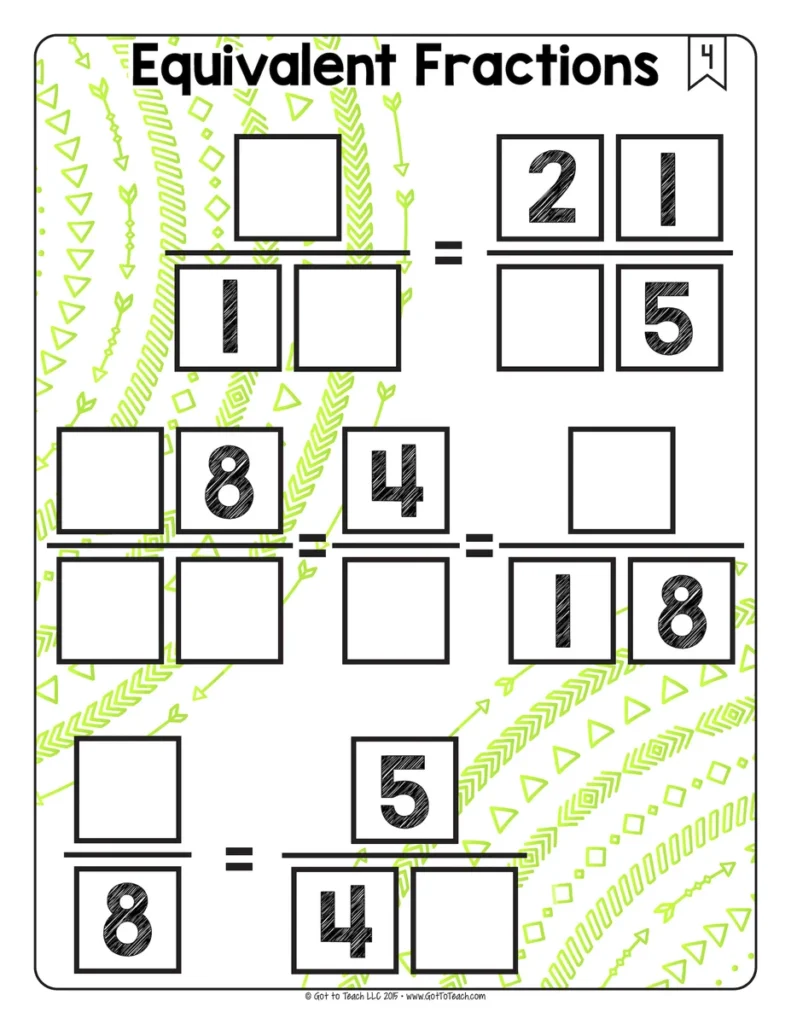
Equivalent Fractions Math Centers Math Tiles
5.0 (250 reviews)Give students practice finding equivalent fractions through a hands-on puzzle. They place the digits 0–9 in the missing spaces so the fractions in each pair have the same value.
- Subject
- Math
- Pages
- 72
- Answer key
- Included
- Teaching duration
- 1 Month
- Digital download
Description
Give students practice finding equivalent fractions through a hands-on puzzle. They place the digits 0–9 in the missing spaces so the fractions in each pair have the same value.
Why use Math Tiles?
- Make problem solving hands-on by letting students move number tiles and test their ideas.
- Build flexible thinking as students follow different clues and try more than one strategy.
- Practice perseverance and build confidence by revising a choice when the first idea doesn’t fit.
- Give students meaningful independent practice or have partners explain and compare their thinking.
- Save paper by reusing printed cards and having students record their answers on a separate sheet.
What’s included
- 30 printable puzzle cards
- Google Slides version with movable number tiles
- Student recording sheet
- Answer keys
- Teacher setup tips
- Printable 0–9 number tiles
How to use it
Use the cards after an equivalent fractions lesson and ask students to explain how they know that each pair names the same amount. For print, cut out the included number tiles or use a set you already have. In Google Slides, students move the tiles in edit mode.
More Time to Tile puzzles
Keep the same puzzle routine with Comparing Fractions Math Tiles or Equivalent Decimals and Fractions Math Tiles.
🧮 Browse all Math Tiles Centers
Please read: This is a nonrefundable digital download. Please read the description carefully and examine the preview file before purchasing.
© Copyright 2018 M. Tallman. All rights reserved. Permission is granted to copy pages specifically designed for student or teacher use by the original purchaser or licensee. This is intended to be used by one teacher unless additional licenses have been purchased. The reproduction of any other part of this product is strictly prohibited. Copying any part of this product and placing it on the Internet in any form (even a personal/classroom website) is strictly forbidden. Doing so makes it possible for an Internet search to make the document available on the Internet, free of charge, and is a violation of the Digital Millennium Copyright Act (DMCA).
Reviews
Showing 5406–5410 of 5,417 reviews
I am a visual person. Would love to have a few pictures as to how to assemble.
Hmmm, this resource has potential, but is confusing as is. What in the world do all of the dfferent icons represent? Also, a sample answer key is missing. Yes, there are multiple answers to the questions, but I have seen other resources offer them anyways. The worksheets also lack definitions or an area to write definitions for key terms used such as irony and paradox. I like the questions, but will have to spend a lot of time making it fit my needs. Seriously, one of the first things that kids are going to ask are what the icons represent. I can't figure it out nor could my husband who is a lawyer!
I am so sorry you are disappointed. This resource is based on The Depth and Complexity Framework. You can find more information about these icons online.
http://www.byrdseed.com/introducing-depth-and-complexity/
https://sites.google.com/site/davidnchung/litcircles+frames
The pages and activities are a bit repetitive. Consistency is great, but I had to change things up otherwise my kids were getting too bored.
Not to thrilled about the quality of copies. Looks like they are scanned copies.
Hi Nicole. Are you using the latest version of Adobe Reader to open this file? They should NOT look like scanned copies; I made these in Adobe Illustrator and when I open and print them they are very crisp. Please contact customer support if you are continuing to have problems with the file.
Thank you for sharing
Questions & Answers (2)
Have a question about this resource? Log in to ask a question.
Am I legally allowed to post these on my Google Classroom?
Thanks for reaching out!
Teachers are absolutely allowed to use any Teacher Thrive/Got to Teach resources they have purchased with their students on private Learning Management Systems likes Google Classroom, Schoology, Microsoft Teams, or Canvas.
We do prohibit users from sharing resources with other teachers who have not purchased the materials, however. We also prohibit the use of our materials for commercial purposes on platforms such as Outschool.
Again, thank you for reaching out. Please let us know if you have any other questions.
Where do I find the mega bundle for tile to tile
Hi Beth! This is the only bundle I have for math tiles.
