
Balancing Addition Math Centers Math Tiles
5.0 (7 reviews)Time to Tile: Balancing Addition is a hands-on activity that takes students’ thinking beyond procedures and rote memorization. This engaging resource activates critical thinking, problem-solving skills, and algebraic reasoning while developing a deep, conceptual understanding of equations. Students
- Grade
- Grade 3, Grade 4, Grade 5
- Subject
- Math
- Pages
- 70
- Answer key
- Included
- Teaching duration
- 1 Month
- Digital download
Description
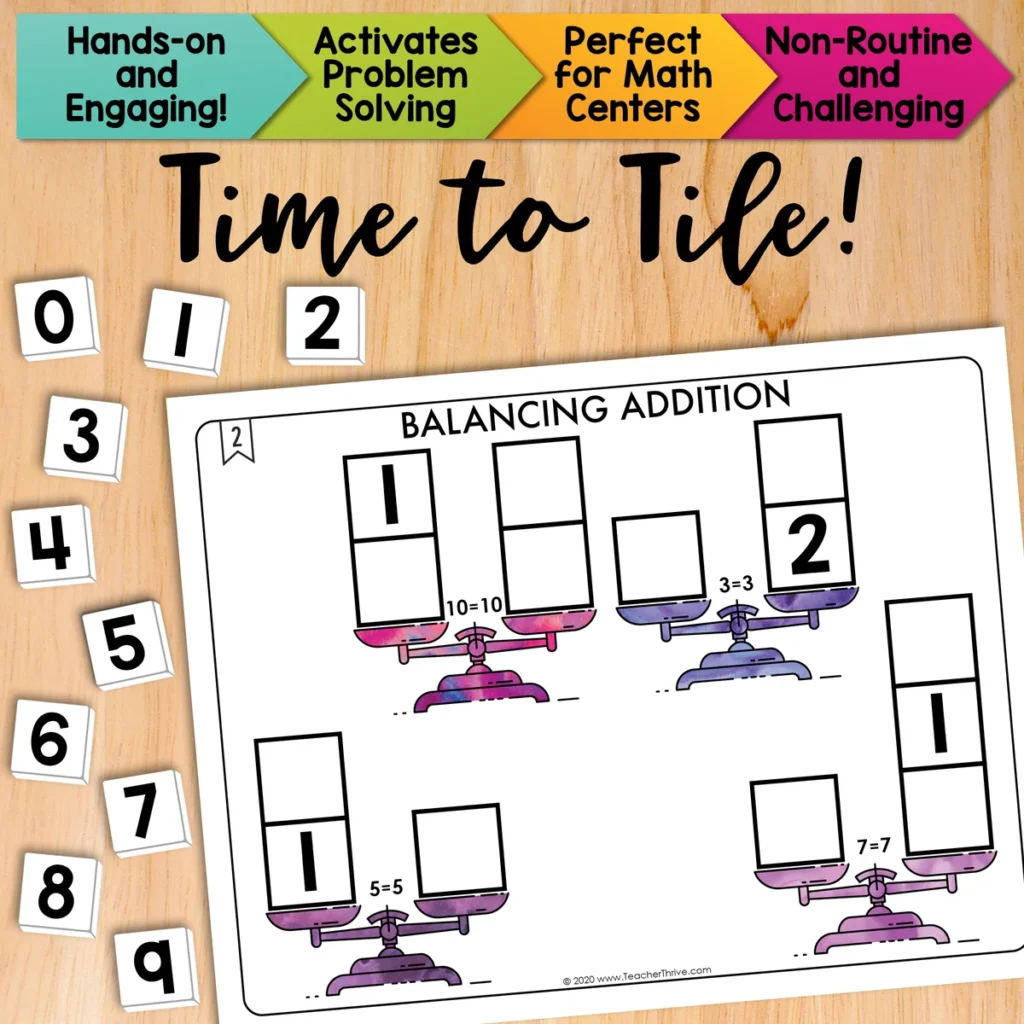
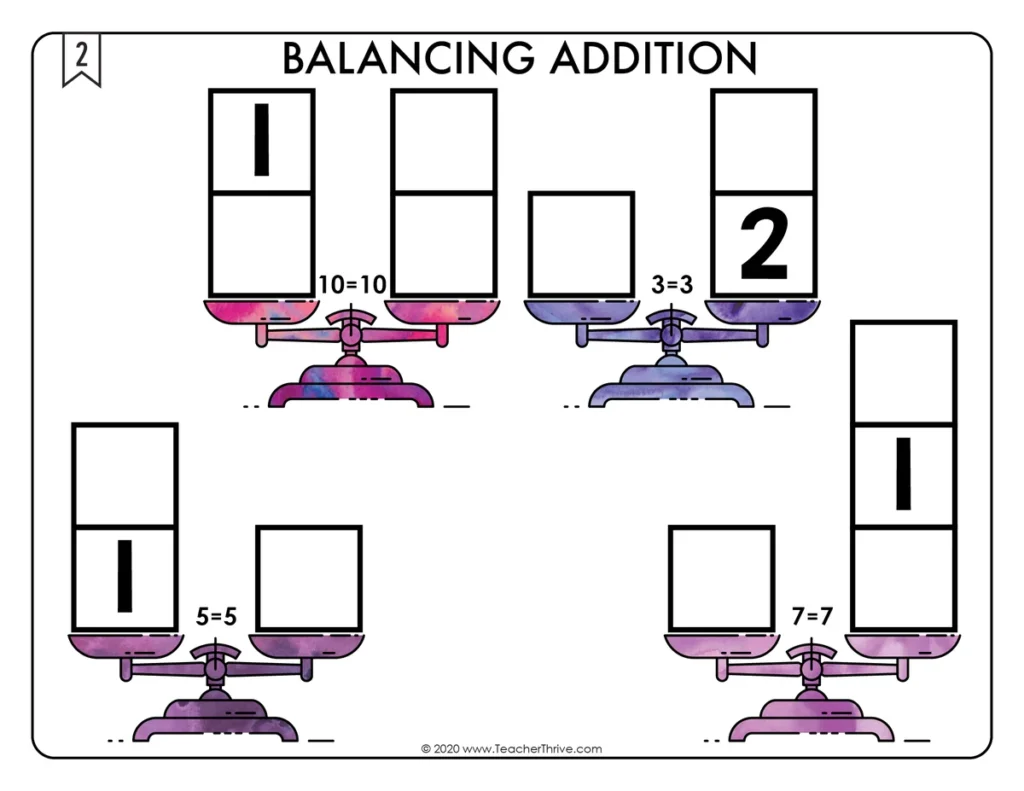
Time to Tile: Balancing Addition is a hands-on activity that takes students’ thinking beyond procedures and rote memorization. This engaging resource activates critical thinking, problem-solving skills, and algebraic reasoning while developing a deep, conceptual understanding of equations. Students must place 10 number tiles (0-9) on the open squares to balance the values of each scale. This math tile set requires students to decompose numbers by utilizing advanced reasoning skills.
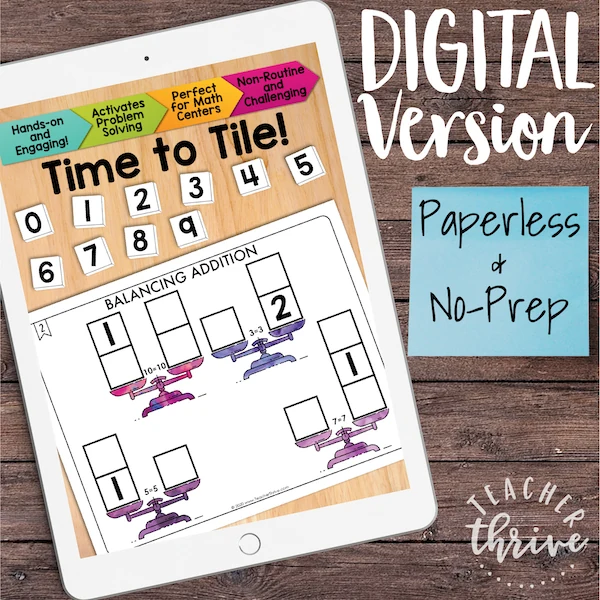
This resource is now provided in printable and digital formats (Google Slides).
This resource includes:
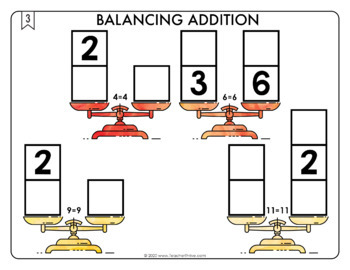
- 30 different Time to Tile cards
- An “Answer Recording Sheet,” where students can record their answers so they can be corrected later. This allows the resource to be used as a perfect independent or center activity.
- Answer keys
- Management and organization tips for successfully implementing Time to Tile in your classroom.
✏️For more math tile activities, click here.
More Time to Tile resources:
Time to Tile: Equivalent Fractions
Time to Tile: Mixed Numbers and Improper Fractions
Time to Tile: Balancing Equations
Time to Tile: Order of Operations
Time to Tile: Adding and Subtracting
Time to Tile: Multi-Digit Multiplication
Get all the latest Teacher Thrive news!
➜FOLLOW me on Teachers Pay Teachers!
➜FOLLOW me on TeacherThrive.com!
Please read: This is a nonrefundable digital download. Please read the description carefully and examine the preview file before purchasing.
© Copyright 2018 M. Tallman. All rights reserved. Permission is granted to copy pages specifically designed for student or teacher use by the original purchaser or licensee. This is intended to be used by one teacher unless additional licenses have been purchased. The reproduction of any other part of this product is strictly prohibited. Copying any part of this product and placing it on the Internet in any form (even a personal/classroom website) is strictly forbidden. Doing so makes it possible for an Internet search to make the document available on the Internet, free of charge, and is a violation of the Digital Millennium Copyright Act (DMCA).
Reviews
Showing 5411–5412 of 5,412 reviews
It is way to hard to start the year. I can not do several mini-lesson everyday.
<p>This resource is not designed around a particular scope and sequence since many teachers follow different timelines.</p><p>Since Daily Spiral Reviews cover all standards, students are exposed to concepts they may not have had formal instruction on. Unfamiliar content presents a great opportunity for you to build background knowledge and assess where your students are before you even teach a specific lesson.</p><p>The best way to use this spiral reveiw is to begin with whole-group lessons where you model and discuss each activity. I don't worry too much if there haven't been formal lessons on a particular concept; I treat those items more as a preview. After a few weeks, the students really start grasping the format, and you can begin to transfer the workload to them. Eventually, when the students work independently on the review, you will spend time correcting and discussing their work in class. </p><p>As mentioned above, students will encounter concepts they are unfamiliar with. This is a GOOD thing, I promise! We don't always have the answers or know the procedures to solve problems. It's beneficial to expose students to "unknowns"; they become less sensitive to the uncomfortable feeling of "not knowing" and are less likely to panic. </p><p>However, you can always use the editable version (open in PowerPoint) to remove/change any review items you like.</p>
Super
Thank you.
Questions & Answers (0)
Have a question about this resource? Log in to ask a question.
No questions yet.
