
All Operations {Add, Subtract, Multiply, & Divide} Math Centers Math Tiles
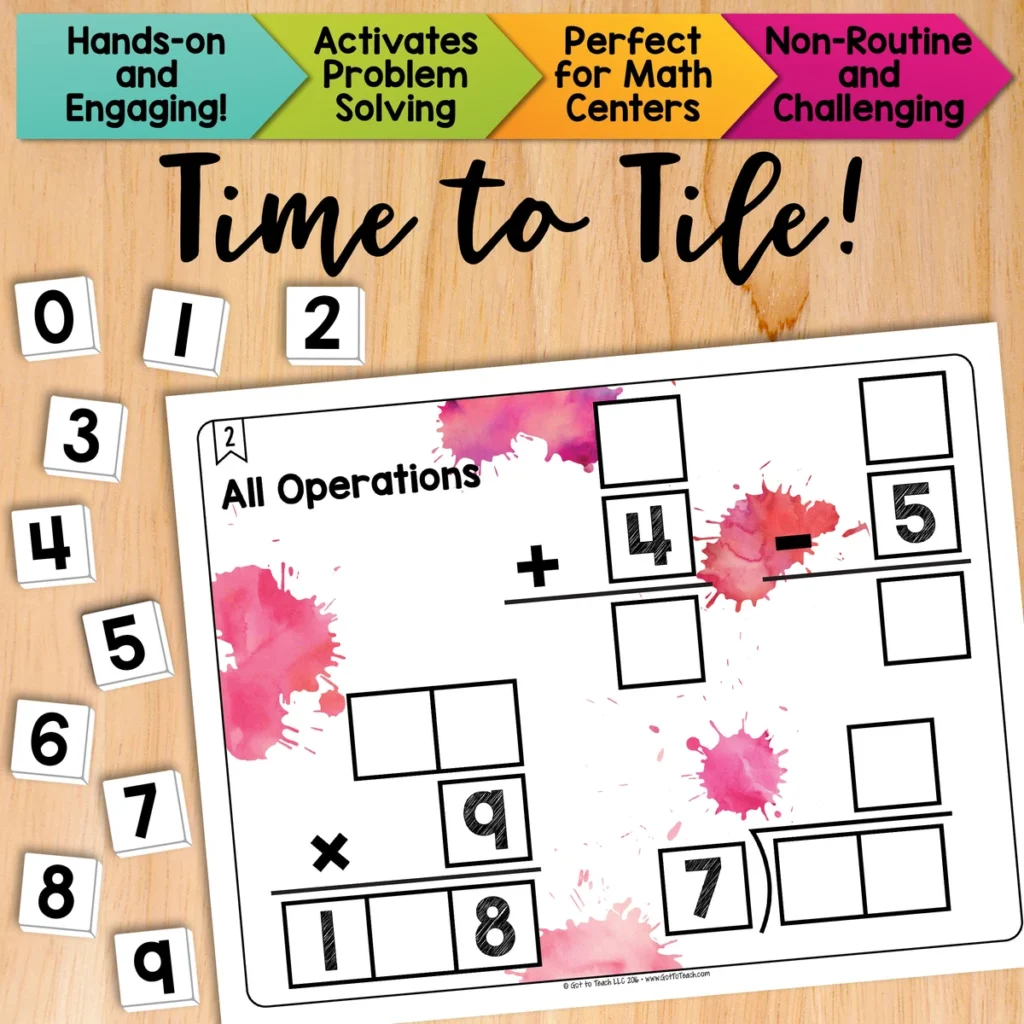
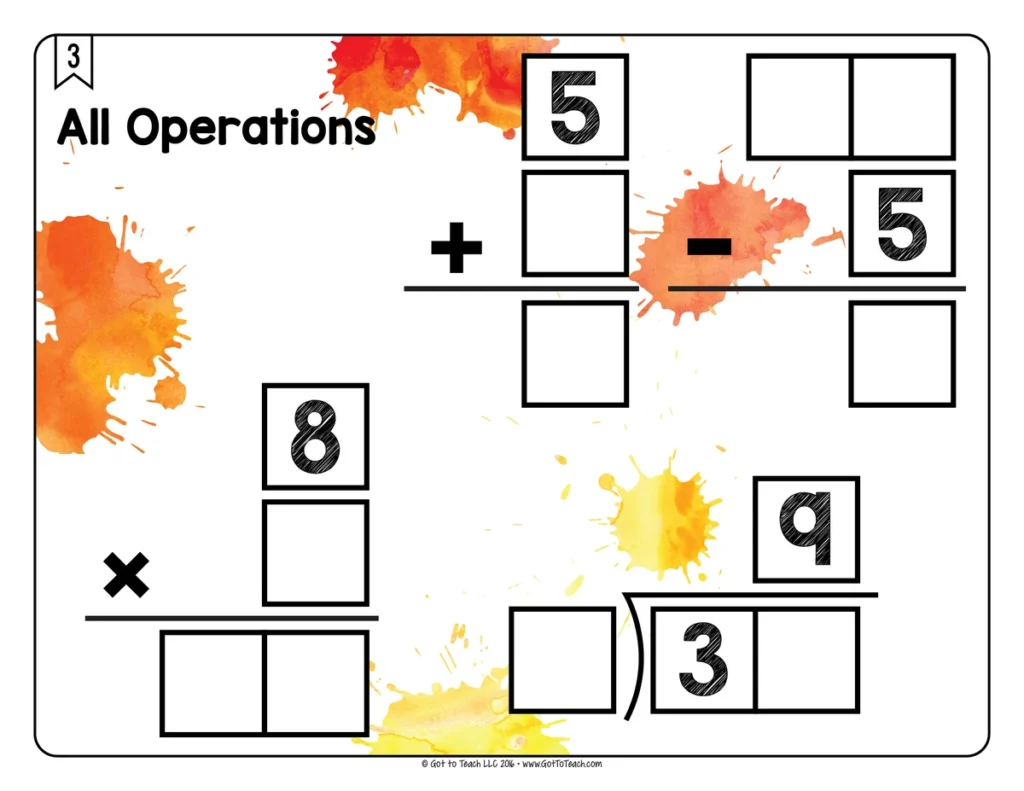
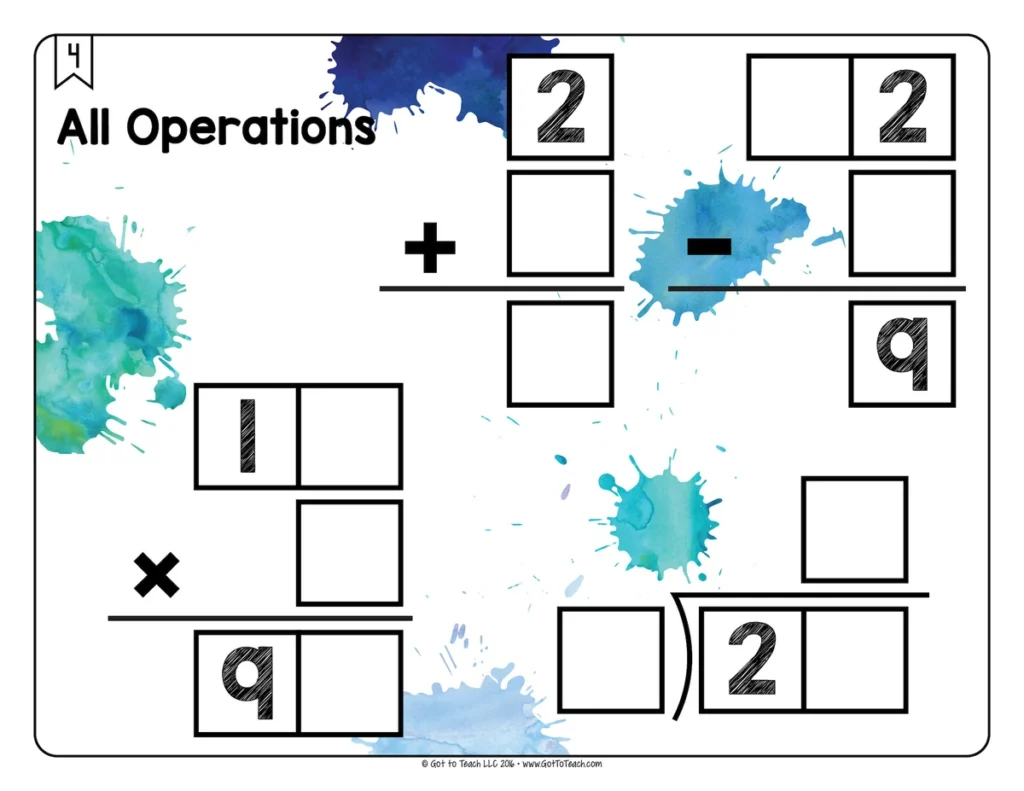
5.0 (170 reviews)Review all four operations in a single puzzle. Students place digits 0–9 in the missing spaces to complete one addition, one subtraction, one multiplication, and one division problem on each card.
- Subject
- Math
- Pages
- 71
- Answer key
- Included
- Teaching duration
- 1 Month
- Digital download
Description
Review all four operations in a single puzzle. Students place digits 0–9 in the missing spaces to complete one addition, one subtraction, one multiplication, and one division problem on each card.
Why use Math Tiles?
- Make problem solving hands-on by letting students move number tiles and test their ideas.
- Build flexible thinking as students follow different clues and try more than one strategy.
- Practice perseverance and build confidence by revising a choice when the first idea doesn’t fit.
- Give students meaningful independent practice or have partners explain and compare their thinking.
- Save paper by reusing printed cards and having students record their answers on a separate sheet.
What’s included
- 30 printable mixed-operation puzzle cards
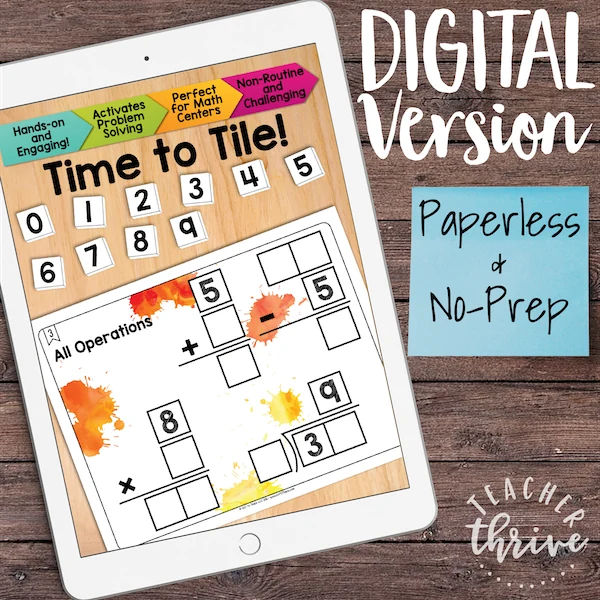
- Google Slides version with movable number tiles
- Student recording sheet
- Answer keys
- Teacher setup tips
- Printable 0–9 number tiles
How to use it
Put a card in your review rotation and ask students to explain which operation gave them the strongest starting clue. For print, cut out the included number tiles or use a set you already have. In Google Slides, students move the tiles in edit mode.
More Time to Tile puzzles
Keep the same puzzle routine with Math Grids (All Operations) Math Tiles or Multiplication and Division Facts Math Tiles.
🧮 Browse all Math Tiles Centers
Please read: This is a nonrefundable digital download. Please read the description carefully and examine the preview file before purchasing.
© Copyright 2018 M. Tallman. All rights reserved. Permission is granted to copy pages specifically designed for student or teacher use by the original purchaser or licensee. This is intended to be used by one teacher unless additional licenses have been purchased. The reproduction of any other part of this product is strictly prohibited. Copying any part of this product and placing it on the Internet in any form (even a personal/classroom website) is strictly forbidden. Doing so makes it possible for an Internet search to make the document available on the Internet, free of charge, and is a violation of the Digital Millennium Copyright Act (DMCA).
Reviews
Showing 1581–1585 of 83,639 reviews
Excellent Resource
This was an excellent resource to use for 5th graders, I had the students use them as a math notebook
Fun review
I used this for the end of the year review kind of as a count down for the students as school was winding down. It helped keep the concepts and skills fresh and made form some great 1:1 and partner teaching. Thank you so much!
Beautiful Notes
These are beautiful notes. I purchased this bundle before the author finished, so I can't speak to all of the notes, but what is here is very helpful for my students. Since I got them at the end of the term, I used them to help a few students review concepts before testing. I look forward to incorporating them into my class next school year. A note on the 2000+ page description: There are so many pages because each lesson has multiple iterations of the same page - from black and white with many blanks to completely colored in and completed. I plan to print a poster from the completed picture. Thanks for a beautiful resource.
Great source
I use this for my intervention every day for my hi kids. This is a great product.
Great product
I use this for my interventions every day for my higher kids
Questions & Answers (2)
Have a question about this resource? Log in to ask a question.
I purchased this product and it will only print the first 7 pages. I have tried multiple computers and printers so I know it is a problem with this product. I was planning on using this today, so it is frustrating.
Hi Rachel. Sorry for this inconvenience! Some PDFs with a lot of graphics may look fine on your screen, but may not print out correctly.
Open the PDF file with Adobe Acrobat Reader
Click “Print”
Click on “Advanced”
Check the “Print as Image” box
Print the document
If you are still having issues, please contact TpT so they can troubleshoot this with you directly. https://www.teacherspayteachers.com/Contact
I downloaded this file, but am not able to print it. Is there anyway I could get the file sent as a jpeg or another form? I really was hoping to use this next week!
Not to worry. Please contact TpT so they can troubleshoot this with you directly. https://www.teacherspayteachers.com/Contact
