
6th Grade Math Assessments [DIGITAL]
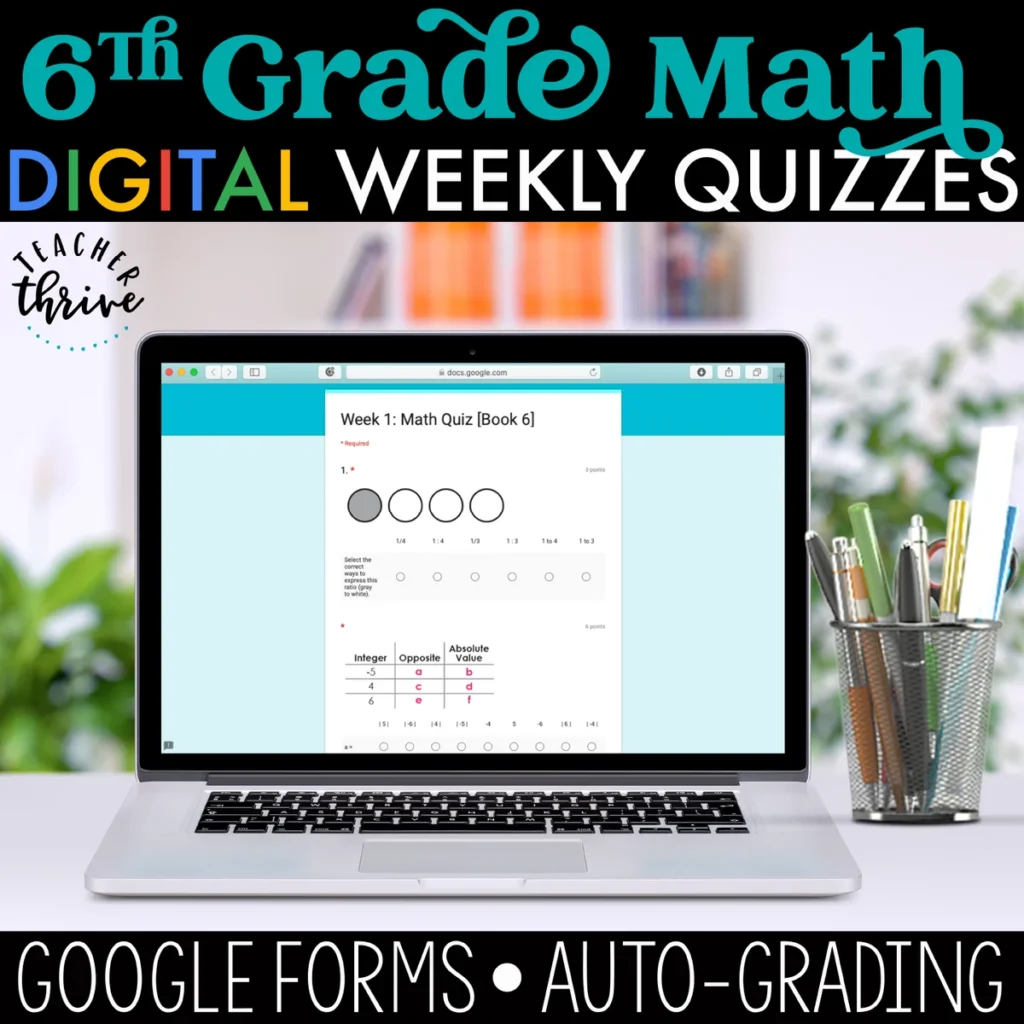
4.8 (44 reviews)This is the digital version of the paper-based Weekly Math Quizzes. This resource can be used on its own as a weekly assessment to guide instruction. However, is it particularly effective if used as a Friday assessment in conjunction with the 6th Grade Math Digital Spiral Review, which contains 5…
- Grade
- Grade 6
- Subject
- Math
- Pages
- 36 Google Forms
- Answer key
- Self-Grading
- Teaching duration
- 1 Year
- Digital download
- PDF and Excel (ZIP)
Description
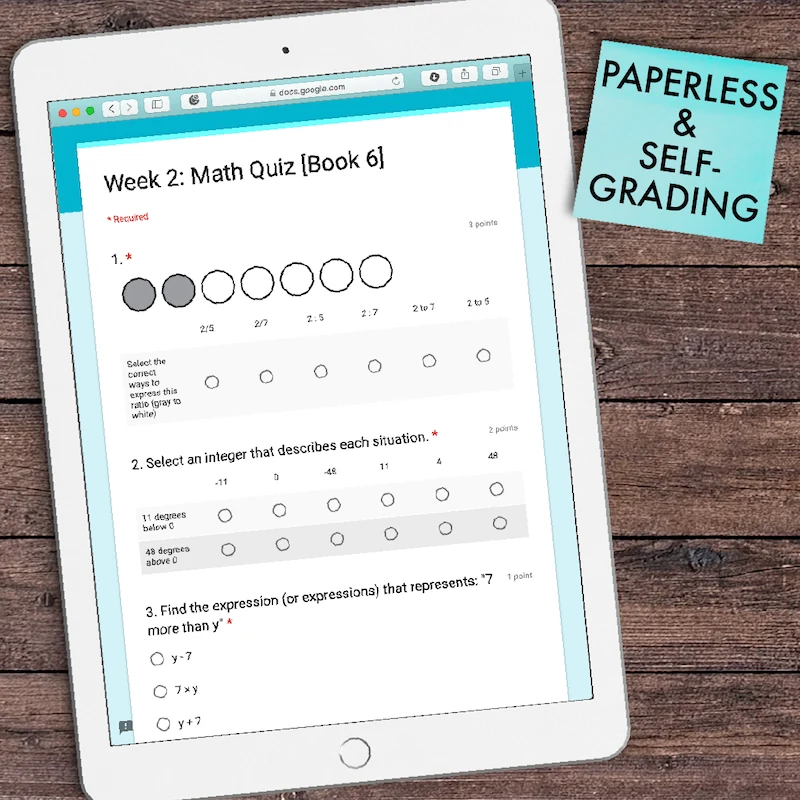
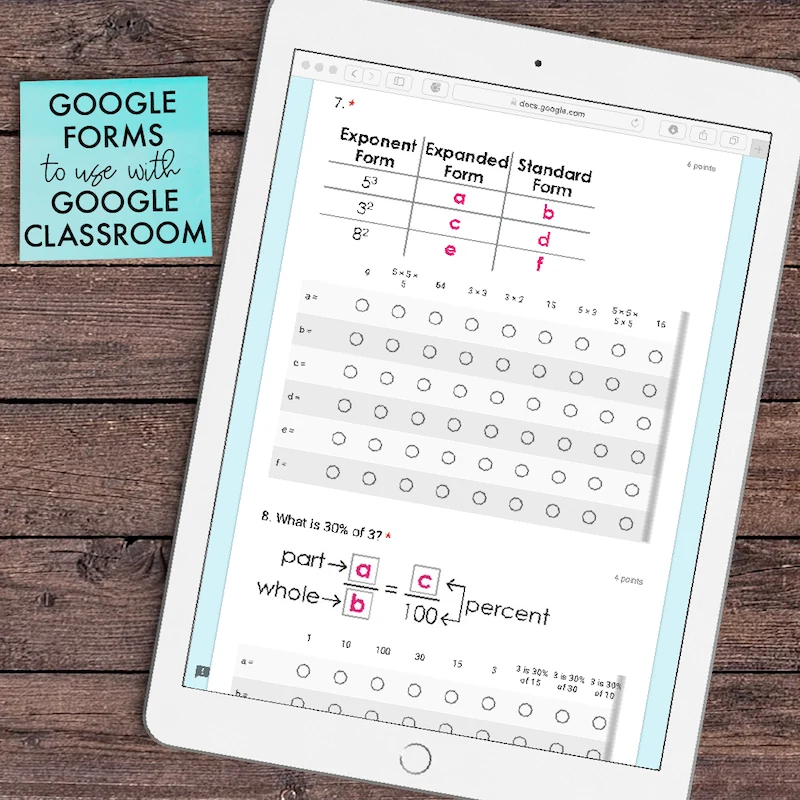
This is the digital version of the paper-based Weekly Math Quizzes. This resource can be used on its own as a weekly assessment to guide instruction. However, is it particularly effective if used as a Friday assessment in conjunction with the 6th Grade Math Digital Spiral Review, which contains 5 daily math tasks for (Monday-Thursday).
- 36 Weeks of Assessments/Quizzes
- Each week has 1 Google Forms Quiz that covers all skills covered in the Daily Spiral Review (sold separately)
- Automatic Grading
- Instant Data Collection
- Instant Data Analysis
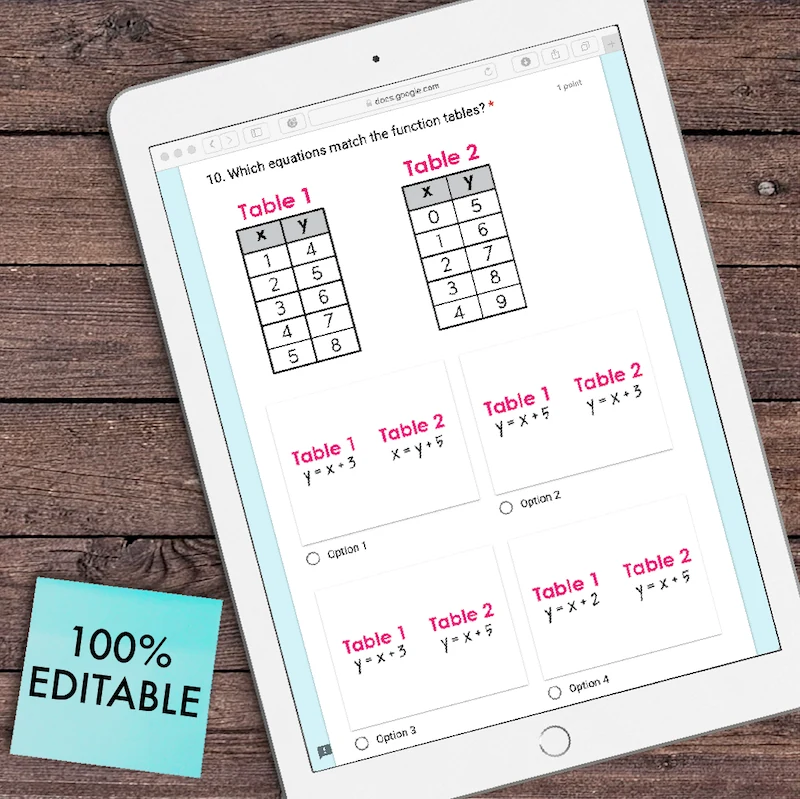
- 100% Editable
- 100% Paperless
Skills Covered:
•Ratios (6.RP.1 & 3A)
•Understanding Integers (6.NS.5, 7)
•Writing Algebraic Expressions (6.Ee.2)
•Add & Subtract Decimals (6.NS.3)
•GCF & LCM (6.NS.4)
•Multiply & Divide Whole Numbers & Decimals (6.NS.2)
•Rates & Unit Rates (6.RP.2 & 6.RP.3B, C)
•Understanding Percent (6.RP.C)
•Exponents (6.EE.1)
•Calculations with Percent (6.RP.C)
•Mixed Practice Word Problems (6.RP, 6.NS, 6EE, 6G)
•Dependent & Independent Variables (6.EE.9)
•Order of Operations (6.EE.1, 2C)
•Divide with Fractions (6.NS.1)
•Area, Surface Areas, & Volume (6.G.1, 2, 3)
•Multiply, Add, & Subtract with Fractions (6.NS.1)
•Compare & Order Integers (6.NS.7)
•Solve Inequalities (6.NS.7)
•Solve Equations (6.EE.5, 6)
•Equivalent Expressions (6.EE.3, 4)
•Statistical Questions (6.SP.1)
•Mean, Median, Mode, & Range (6.SP.C)
•Polygons on a 4-Quadrant Plane (6.G.3)
•Dot Plots, Histograms, & Box Plots (6.SP.4)
Stay Connected with Teacher Thrive!
➜SIGN UP for my email newsletters.
➜VISIT me on TeacherThrive.com.
➜FOLLOW me on Facebook.
➜FOLLOW me on Pinterest.
➜FOLLOW me on Instagram.
Please read: This is a nonrefundable digital download. Please read the description carefully and examine the preview file before purchasing.
© Copyright 2019 M. Tallman. All rights reserved. Only the original purchaser or licensee is granted permission to shared these resources with his/her students. The original purchaser or licensee is prohibited from sharing any part of this resource with non-student users (e.g., other educators, institutions, or organizations). You may not store or share these files on Google Drives that allow access to those who have not purchased a license. The reproduction of any other part of this product is strictly prohibited. Copying any part of this product and publicly placing it on the Internet is strictly forbidden. Doing so makes it possible for an Internet search to make the document available on the Internet, free of charge, and is a violation of the Digital Millennium Copyright Act (DMCA).
Reviews
Showing 341–345 of 374 reviews
This resource has a lot of great activities in it but has low student engagement and took a whole to take up, assist students etc.
Great resource!
It was great!
Good resource
One of the things that I really enjoyed about this resource were the variety of options. Because there were a few different worksheets to choose from, it was very easy to differentiate the learning without increasing the amount of teacher prep time. On the other hand, I would have liked some more interactive tools for practicing making sentences. My class is 90% ELLs, and some of the wording in this was a bit difficult for them. Unsure about native English speakers, but I would have thought some parts were too complicated for third graders. It's a great resource for introducing complex sentences, but you'll need additional resources/practice to help get kids writing complex sentences independently.
Questions & Answers (9)
Have a question about this resource? Log in to ask a question.
Is there a set number of questions per quiz or approximately how many are there each week? I am looking for something quick not that takes up the whole period. How long do most students spend doing the assessment?
Hello, Cari. Yes, you can fully edit and modify these Google Forms.
THIS IS PROBABLY SILLY, BUT IS THERE A WAY FOR US TO SEE THE CORRECT ANSWERS? I LIKE TO TEST MYSELF FIRST. IT SHOWS US WHAT'S WRONG AND CORRECT BUT WHERE CAN WE FIND THE CORRECT ANSWERS? I'M NEW TO THIS GRADE LEVEL. THANKS!
Yes, you can click on “answer key” or each question, and it will show you. Make sure you’re in edit mode and not in quiz mode.
Week 8 Question 8 needs edited on the master copy. It is written incorrectly. Answer choices match the paper version of the quiz.
Hi Brittany. I'm sorry for the delay. I am not finding the error. Is it possible for you to email us with screenshots at info@teacherthrive.com so we can check this out closer?
How do I change from google forms to schoology?
Hi Sherry. We aren't familiar with how Schoology works. Here's an article I found that explains how to add Google Forms to Schoology: https://www.jotform.com/blog/how-to-add-a-google-form-to-schoology/
Can this be used with schoology?
Hi Sherry! Yes, you can use these Google Forms in Schoology.
Thank you for all of your great resources! I am trying to open the spreadsheet to get to the google forms. I can't seem to access it. Ideas?
Not to worry. Please contact TpT so they can troubleshoot this with you directly. https://www.teacherspayteachers.com/Contact
What is the difference between this product and your other weekly quizzes (6th Grade Math Weekly Assessments Math Quizzes [EDITABLE])?
Hi Leslie,
The digital version was made to be used with Google Forms and includes automatic grading. The editable version would require some alteration on your end to be used digitally, but would not include automatic grading.
Are these quizzes separated by topic or are topics combined?
Topics are combined in each quiz.
When a student makes a mistake on a multiple answer/point question, why does it not give partial or some points for the answers a student got correct? Is this something that can be changed? Otherwise...it becomes labor intensive to change each student's score each time.
