
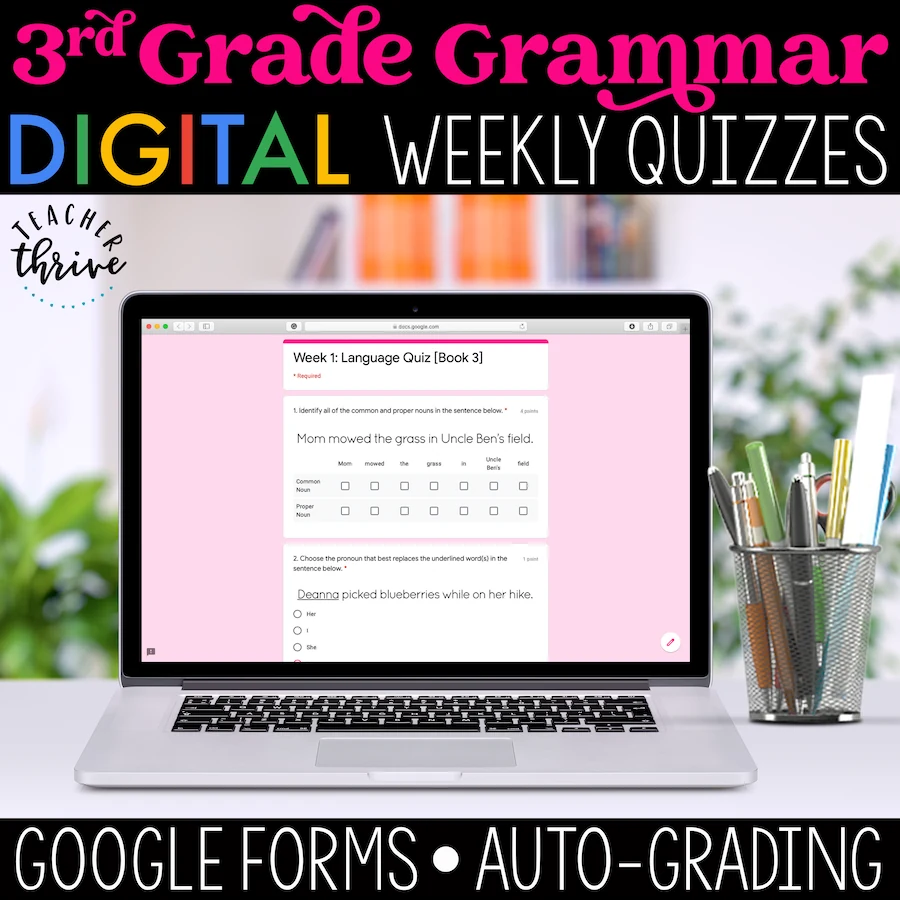
3rd Grade Language Assessments [DIGITAL]
4.8 (22 reviews)This is the digital version of the paper-based Weekly Language Quizzes. This resource can be used on its own as a weekly assessment to guide instruction. However, is it particularly effective if used as a Friday assessment in conjunction with the 3rd Grade Language Digital Spiral Review, which…
- Grade
- Grade 3
- Subject
- Grammar
- Pages
- 36 Google Forms
- Answer key
- N/A
- Teaching duration
- 1 Year
- Digital download
- ZIP
Description
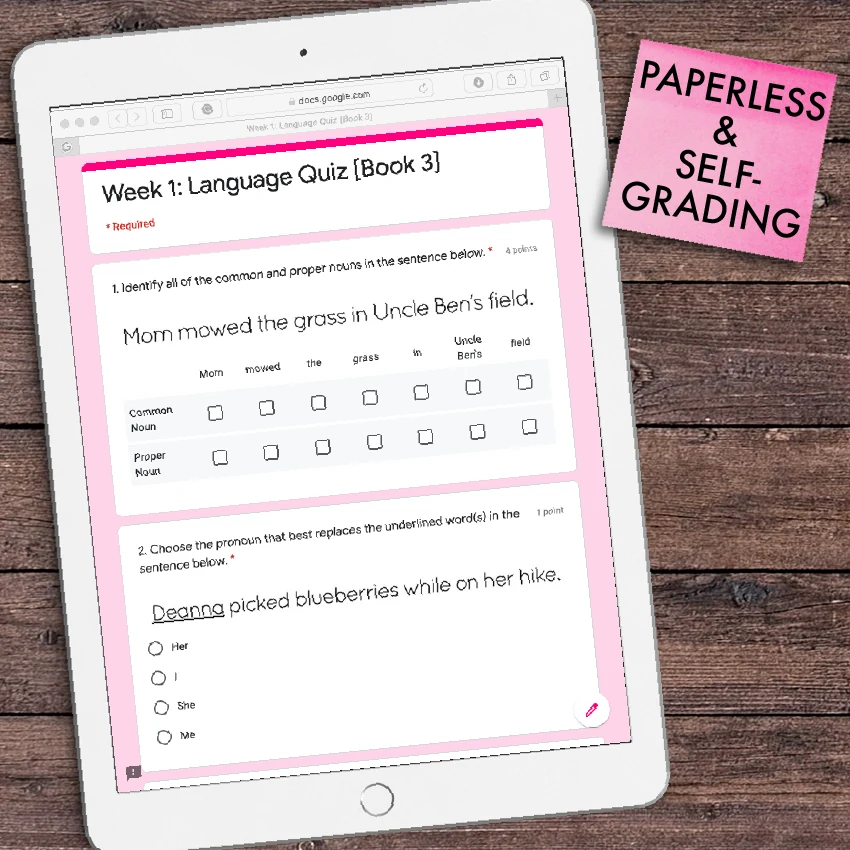
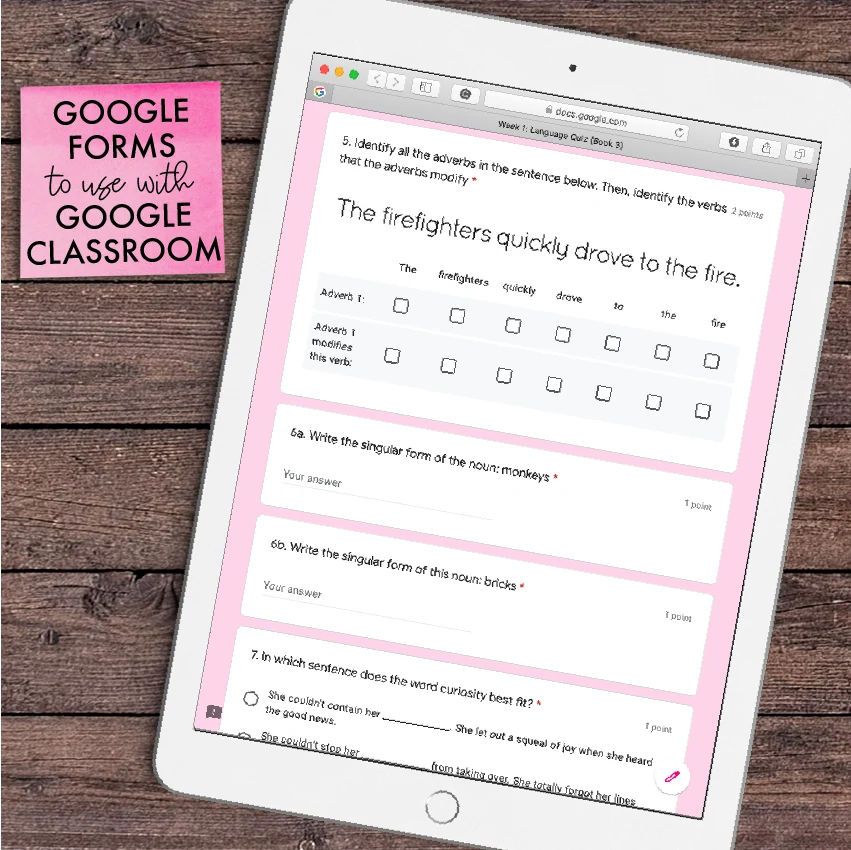
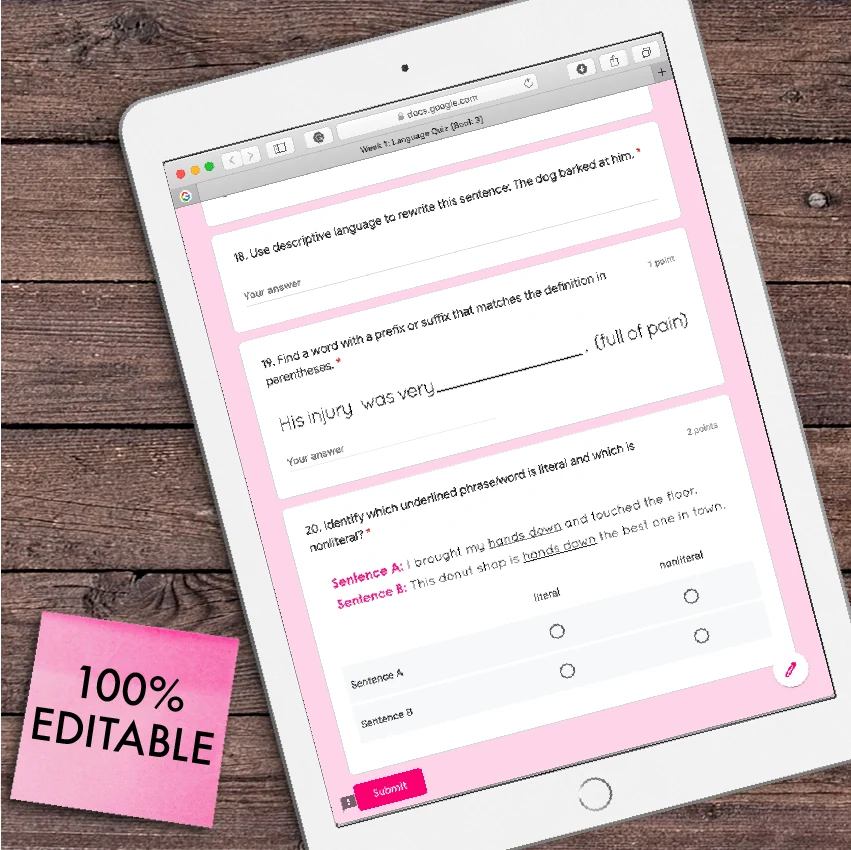
This is the digital version of the paper-based Weekly Language Quizzes. This resource can be used on its own as a weekly assessment to guide instruction. However, is it particularly effective if used as a Friday assessment in conjunction with the 3rd Grade Language Digital Spiral Review, which contains 5 daily language tasks for (Monday-Thursday).
- 36 Weeks of Assessments/Quizzes
- Each week has 1 Google Forms Quiz that covers all skills covered in the Daily Spiral Review (sold separately)
- Automatic Grading
- Instant Data Collection
- Instant Data Analysis
- 100% Editable
- 100% Paperless
Skills Covered:
- Nouns, Pronouns, Verbs, Adjectives, and Adverbs (L.3.1.A)
- Regular and Irregular Nouns (L.3.1.B & L.3.2.E)
- Abstract Nouns (L.3.1.C)
- Regular and Irregular Verbs (L.3.1.D & L.3.2.E)
- Simple Verb Tense (L.3.1.E)
- Subject-Verb and Pronoun-Antecedent Agreement (L.3.1.F)
- Comparative and Superlative Adjectives and Adverbs (L.3.1.G)
- Commas and Quotations in Addresses & Dialogue (L.3.2.B & C)
- Coordinating and Subordinating Conjunctions (L.3.1.H)
- Capitalize Words in Titles (L.3.2.A)
- Form and Use Possessives(L.3.2.D)
- Simple, Compound, and Complex Sentences (L.3.1.I)
- Choose Words and Phrases for Effect (L.3.3.A)
- Prefixes & Suffixes (L.3.4.B)
- Literal & Nonliteral Meanings (L.3.5.A)
- Use Sentence-Level Context (L.3.4.A)
Stay Connected with Teacher Thrive!
➜SIGN UP for my email newsletters.
➜VISIT me on TeacherThrive.com.
➜FOLLOW me on Facebook.
➜FOLLOW me on Pinterest.
➜FOLLOW me on Instagram.
Please read: This is a nonrefundable digital download. Please read the description carefully and examine the preview file before completing your purchase.
© Copyright 2019 M. Tallman. All rights reserved. Only the original purchaser or licensee is granted permission to shared these resources with his/her students. The original purchaser or licensee is prohibited from sharing any part of this resource with non-student users (e.g., other educators, institutions, or organizations). You may not store or share these files on Google Drives that allow access to those who have not purchased a license. The reproduction of any other part of this product is strictly prohibited. Copying any part of this product and publicly placing it on the Internet is strictly forbidden. Doing so makes it possible for an Internet search to make the document available on the Internet.
Reviews
Showing 146–150 of 375 reviews
I normally teach high ability math and my students love the challenge of these tiles! This year, I don't have high ability for math and it was more of a struggle. I wish I had purchased a lower level for my group this year. The high ability and problem solvers do enjoy them!
Great resource for my students. They were engaged and happy to learn.
While my students don't love taking these quizzes, they are excellent to review what they learned throughout the week.
I used this resource on Fridays after completing the Language Reviews. While my students enjoyed doing the reviews as a class, they did not enjoy the assessments and felt they were too hard, even when i let them use their language review sheets. While this is a good tool for a fast read on how my students are doing, it isn't worth the looks of anguish each Friday.
My students were engaged with activity. Whenever I can incorporate art and writing, it seems to work
Questions & Answers (1)
Have a question about this resource? Log in to ask a question.
I have never been more disappointed in a resource before. As a teacher, I would expect more. Do you have a table of contents? It is an excel spreadsheet that requires me to click on each and make a copy. I would like to know what is on it specifically before having to click on each link.
These are Google Forms, and the best way to organize them is via Excel. There is no table of contents because the forms are organized by week in the Excel file. Yes, you must click on each on to save them to your Google Drive. That is how Google Drive works and is the only way we can ensure that teachers can access these forms properly.
